CAS & Advisory Software for Accounting Firms: 5 Best (2026)
Uku is our pick for CAS and client advisory services firms: it protects margin on fixed fees. Compared with Karbon, TaxDome, Financial Cents and Jetpack.


Contents
Short answer: the best CAS and advisory software for most accounting firms in 2026 is Uku, because it shows in real time whether a fixed-fee or value-priced engagement is still profitable. Karbon is the pick when client communication is the product, TaxDome for a large firm that wants an all-in-one portal, and Financial Cents for a small CAS practice on a budget.
Advisory and Client Accounting Services (CAS) are where the profession is heading: higher-value, relationship-driven work priced on value, not hours. But that shift creates a management problem most compliance tools were never built for. When you’re not billing hourly, how do you know an engagement is actually profitable?
That’s where the right practice management software earns its keep. For advisory firms it’s less about rigid task automation and more about margin protection, client communication, and a single source of truth that keeps the team aligned on each relationship. Here are the best options for advisory and CAS firms in 2026, with honest pros and cons and what each one is actually best at.
Quick answer: the 5 best tools for advisory firms
- Uku — best for protecting margin on value-priced work via real-time profitability monitoring. From $19/member/month, billed annually.
- Karbon — best for client communication and relationships at scale. From $59/user/month.
- TaxDome — best for advisory firms wanting a polished all-in-one client portal. From $700/seat/year on a three-year term ($800 on a one-year term), billed upfront.
- Financial Cents — best budget pick for smaller CAS practices. From $49/user/month.
- Jetpack Workflow — best for simple recurring task tracking. From $40/user/month.
For the full breakdown of all 9 tools, see our guide to the best accounting practice management software.
How the top tools compare
| Uku | Karbon | TaxDome | Financial Cents | Jetpack | |
|---|---|---|---|---|---|
| Best for (team size) | 10–50 | 10–100 | 200+ | Under 20 | Under 20 |
| Starting price | $19/member/mo | $59/user/mo | $700/seat/yr | $49/user/mo | $40/user/mo |
| Value-based billing | ✓ | ✓ | ✓ | ✓ | — |
| Profitability monitoring | ✓ | Limited | Limited | Limited | — |
| Client portal | ✓ | ✓ | ✓ | ✓ | — |
| Client communication | ✓ | Strong | ✓ | ✓ | Limited |
| Free trial | 14-day (all features) | — | ✓ | ✓ | 14-day |
| Capterra rating | 4.8 | 4.7 | 4.7 | 4.8 | 4.1 |
What advisory and CAS firms specifically need
Advisory work flips the priorities of traditional compliance work. The features that matter most:
- Profitability monitoring on value-priced engagements. When you charge a fixed monthly fee, scope creep is invisible until it’s eaten your margin. You need real-time visibility into effort versus the fee agreed.
- Flexible billing models. Fixed monthly, value-based, retainer, milestone — your tool shouldn’t force you into hourly. This matters most for CPA firms moving from hourly billing into advisory services, where the pricing model changes before the habits do.
- Strong client communication. Advisory is a relationship business. Client touchpoints, document sharing, and updates should be effortless.
- Scope and agreement tracking. Knowing exactly what you committed to, and comparing it to what you delivered, protects both margin and the relationship.
- A single source of truth. As advisory teams collaborate on the same clients, shared visibility keeps the relationship coherent and lets anyone step in.
Not sure where the line between compliance and advisory sits? Our glossary entry on accounting advisory services covers what the category includes and how firms price it. A general CPA practice management tool can run CAS work, but the accounting advisory software worth paying for is the one that answers the margin question above.
The 5 best practice management tools for advisory firms
1. Uku — best for protecting margin on value-priced work
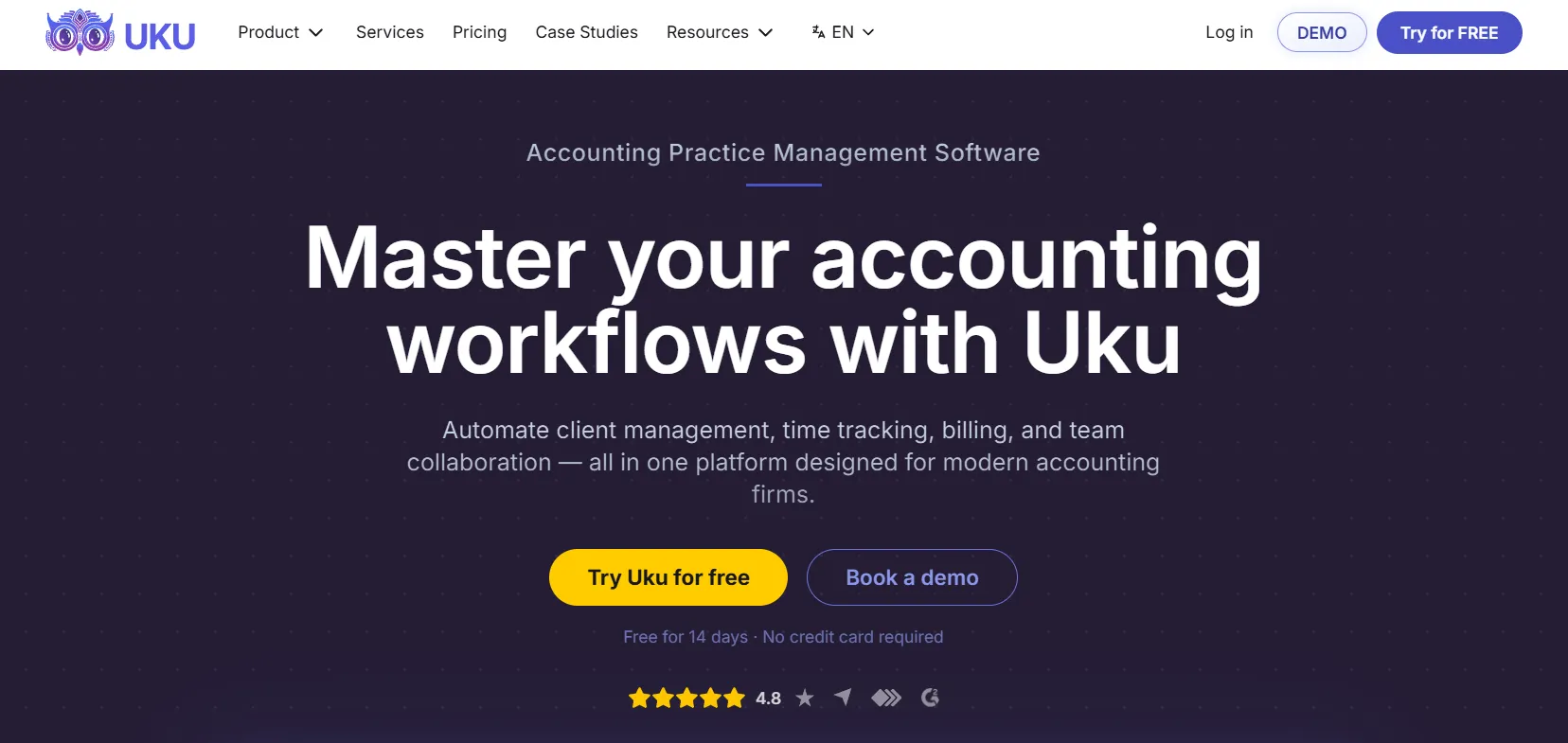
Uku is built around the exact problem advisory firms face: margin protection. Its client agreement and profitability monitoring compares the work you agreed to against the work you actually did, in real time, so a value-priced engagement never quietly turns unprofitable. Flexible billing contracts handle fixed, retainer, item, and mixed models — not just hourly — and the client portal keeps advisory communication in one place. It starts at $19/member/month (Solo, up to 20 active clients), the Team plan adds teamwork tools at $38/member/month billed yearly, and the single source of truth keeps advisory teams aligned on every client. It integrates with QuickBooks, Xero, e-conomic, and Tripletex, with a 14-day free trial and free onboarding included.
| 👍 Uku does best | 👎 Uku’s limits |
|---|---|
| Profitability monitoring on fixed fees | Fewer third-party integrations |
| Flexible value-based billing models | Basic AML tooling |
| Single source of truth across the team | No built-in chat |
| Real-time scope vs. delivery view | |
| Free trial and free onboarding |
2. Karbon — best for client communication at scale
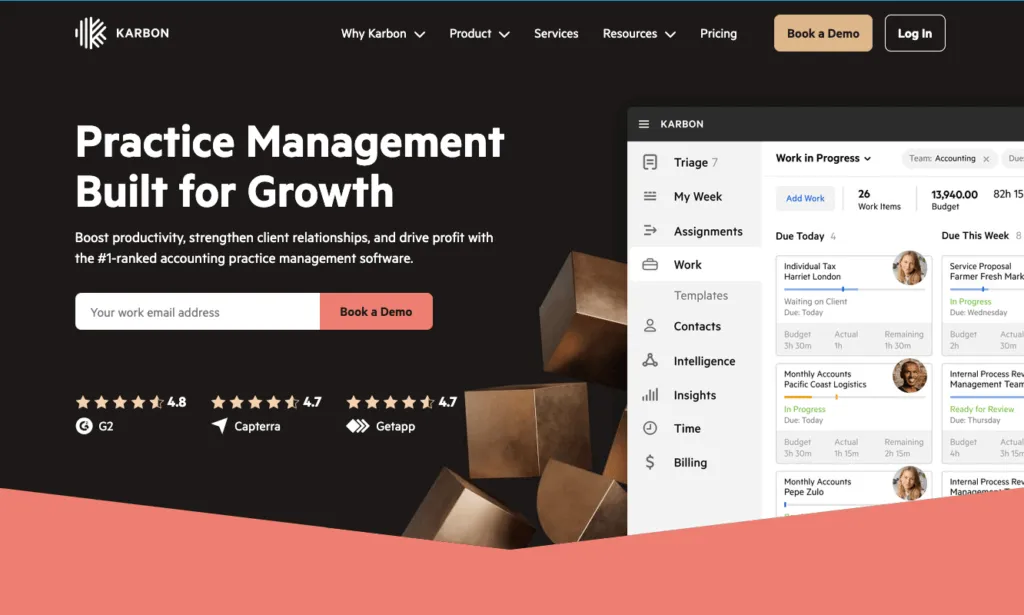
Karbon is excellent for the communication-heavy nature of advisory. Email, triage, comments, and client timelines in one place make it strong for firms where the relationship is the product, and team members can pick up a conversation mid-thread. The trade-offs: at $59/user/month it’s one of the pricier options, time tracking is light, and you’re nudged to run all client email inside Karbon rather than your own inbox.
| 👍 Karbon does best | 👎 Karbon’s limits |
|---|---|
| Email and client communication | Relatively expensive |
| Shared triage across the team | Limited time tracking |
| Several integrations | Can’t send invoices to accounting software |
3. TaxDome — best for a polished client portal
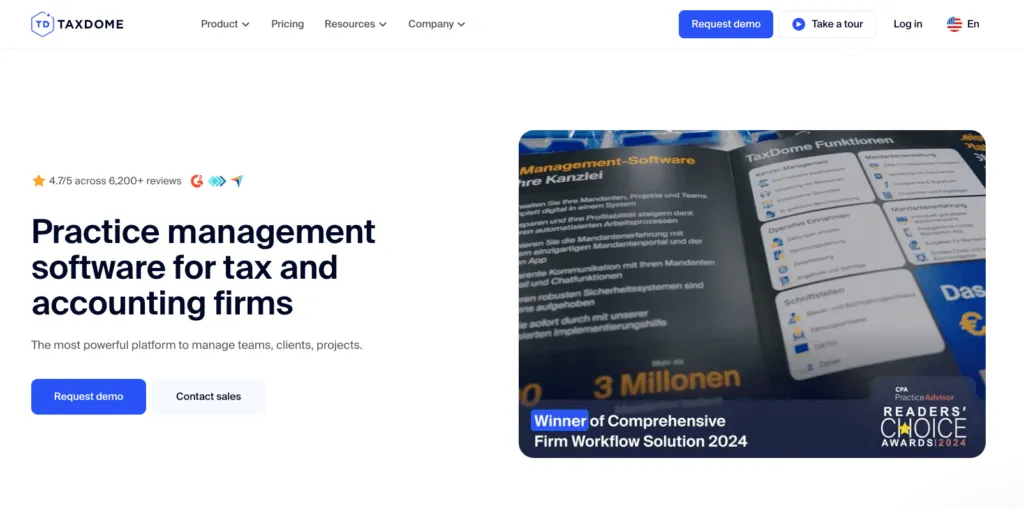
TaxDome offers an all-in-one client experience advisory clients appreciate: a polished portal, e-signatures, document management, and a client mobile app. For larger advisory practices (200+) where client experience is the differentiator, it’s hard to beat. The trade-off is a steeper learning curve and a busy interface — for a small advisory team the breadth can feel like overkill.
| 👍 TaxDome does best | 👎 TaxDome’s limits |
|---|---|
| All-in-one client portal + mobile app | Steeper learning curve |
| E-signatures and document management | Busy interface for staff |
| Strong client-facing experience | Overkill for small teams |
4. Financial Cents — best budget pick for small CAS firms
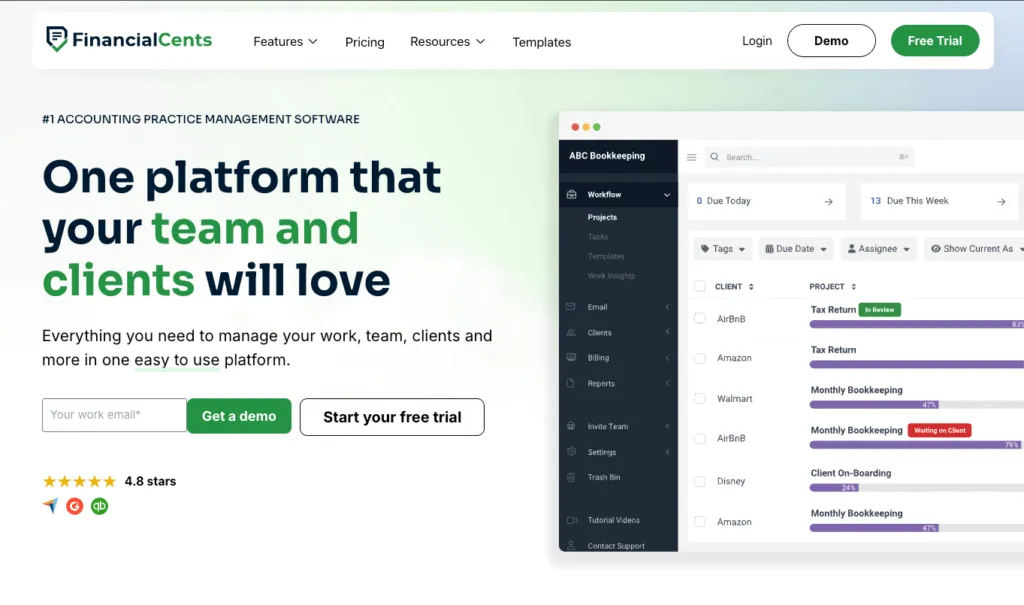
Financial Cents works for smaller CAS practices on a budget. It’s strong on client requests, with automated reminders and a magic-link portal clients actually use. It has basic built-in invoicing, retainers and card or ACH payments that sync to QuickBooks Online; the catch is that reporting is lighter than the heavier platforms. At $49/user/month it’s a solid fit for advisory firms under 20 staff that work in QuickBooks Online and mainly need workflow plus document collection.
| 👍 Financial Cents does best | 👎 Financial Cents’ limits |
|---|---|
| Affordable, simple workflows | Monthly billing needs 5+ users |
| Strong client document collection | Lighter reporting |
| Easy magic-link client portal | Best fit caps out under ~20 staff |
5. Jetpack Workflow — best for simple recurring task tracking
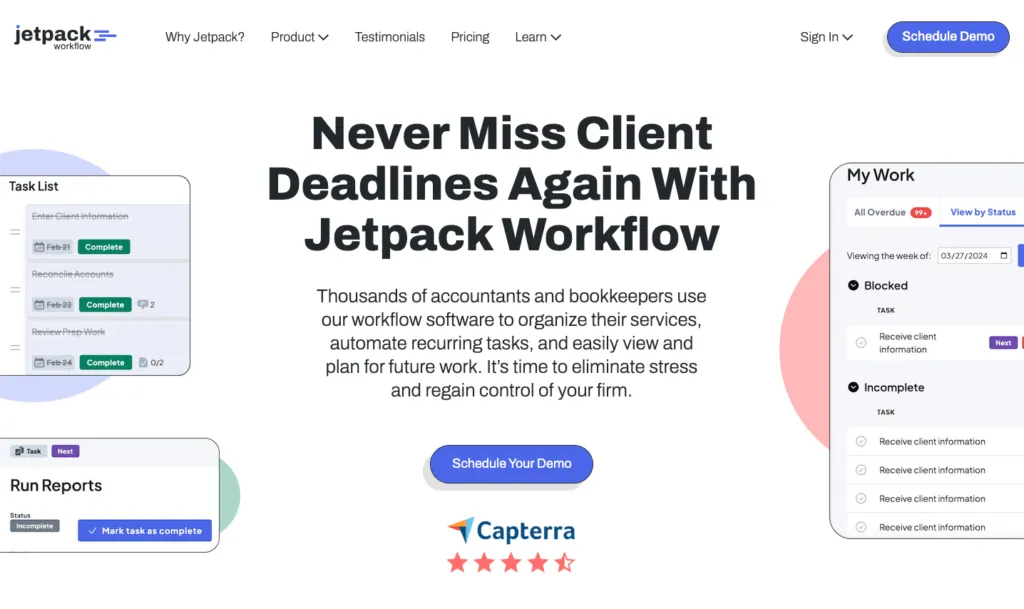
Jetpack Workflow keeps things simple: recurring jobs, customizable checklists, and a clean dashboard. It suits very small advisory firms that just need to stop dropping tasks. It has no client portal and only light time tracking, and you push time to QuickBooks to bill — so at $40/user/month it’s a starter tool that advisory firms often outgrow once profitability and communication become the priority.
| 👍 Jetpack does best | 👎 Jetpack’s limits |
|---|---|
| Simple recurring job tracking | No client portal |
| Clean, low-learning-curve dashboard | Light time tracking |
| Affordable for tiny teams | No built-in billing |
How to choose advisory software for your accounting practice
- Your biggest risk is margin on fixed fees: Uku is the strongest fit — profitability monitoring directly addresses the central risk of value-based work. (Not sure it’s your risk? See how scope creep quietly costs accounting firms.)
- You’re a solo advisor or 2–3 person CAS practice: a solo advisor can start on Uku’s Solo plan ($19/month billed annually, one member); a 2–3 person practice starts on Team ($38/member/month billed annually). Both include flexible billing and a portal.
- Client communication is your core differentiator: look closely at Karbon.
- You’re a larger advisory practice and the portal is everything: evaluate TaxDome.
- You’re small, budget-conscious, and work in QuickBooks Online: Financial Cents covers the basics well.
For advisory firms that price on value, see how Uku gives one of the deepest profitability views in the category compared to the alternatives.
The bottom line for advisory and CAS firms
For most advisory and CAS firms, Uku is the strongest fit — profitability monitoring directly protects the margin on value-priced work, and flexible billing supports modern pricing models. If client communication is your core differentiator, evaluate Karbon. For a standout client portal, look at TaxDome, and budget-conscious small practices should compare Financial Cents and Jetpack Workflow.
See the full 9-tool breakdown in our best accounting practice management software guide, or book a 30-minute Uku demo to see how profitability monitoring protects value-priced engagements.
Frequently asked questions
What is the best practice management software for advisory firms?
For advisory and CAS firms, the top picks are Uku, Karbon, and TaxDome. Uku is best for protecting margin on value-priced work through real-time profitability monitoring from $19/member/month billed annually. Karbon fits firms where client communication is the core of the relationship. TaxDome suits larger advisory practices wanting a polished all-in-one client portal.
What is CAS software for accountants?
CAS software is the practice management layer a firm uses to run client advisory services (CAS), meaning recurring bookkeeping, reporting, and advisory engagements sold on a fixed or value-based fee. It sits on top of the client's ledger (QuickBooks, Xero) and handles the firm side, from workflow and billing contracts to client communication and whether each engagement is profitable against the fee agreed.
How is advisory work different to manage than compliance work?
Advisory and CAS engagements are relationship-driven and often value-priced rather than hourly. That makes client communication, clear scope tracking, and real-time profitability monitoring more important than rigid task automation. The central risk is scope creep quietly eroding the margin on a fixed fee, so you need to know whether a value-priced engagement is actually profitable.
What should a CAS firm look for in practice management software?
CAS firms should prioritize client agreement and profitability monitoring to protect margins on fixed-fee work, flexible billing models, strong client communication and a portal, a single source of truth so the team stays aligned, and reporting that ties effort to the fee agreed rather than just hours logged.
How much does advisory practice management software cost?
Most practice management software for advisory firms costs $19 to $60 per user per month. Uku starts at $19/member/month, Financial Cents at $49, TaxDome from about $58 ($700/seat/year on a three-year term, $800 on one year), Jetpack Workflow at $40, and Karbon at $59. Confirm whether billing models like fixed-fee and retainer are supported before committing.
Does practice management software support value-based billing?
The best tools do. Uku handles fixed, retainer, item, and mixed pricing models, not just hourly, and compares the work delivered against the fee agreed so a value-priced engagement never quietly turns unprofitable. Confirm flexible billing support before you commit, since value-based pricing is where advisory firms most often lose margin.

Published May 29, 2026 · Updated Oct 8, 2026