Solo Practice Management Software: 5 Best Picks (2026)
Best solo practice management software for accountants and bookkeepers: Uku Solo bundles workflow, time tracking, billing and a client portal. 5 tools compared.


Contents
The best practice management software for a solo accountant is Uku’s Solo plan: one member, up to 20 active clients, and workflow, time tracking, billing, a client portal and e-signatures in one tool for $19/member/month billed annually ($25 month-to-month). If you only need a task list, Jetpack Workflow is simpler; Financial Cents is a budget pick for QuickBooks Online users.
A solo practice has no slack in it. There’s no colleague to cover a missed deadline, no one to catch an under-billed client, no operations manager to chase documents. Everything that doesn’t get automated gets done by you — or doesn’t get done at all.
That’s exactly why the right practice management software matters more for a sole practitioner than for a big firm: it acts as the operations support you don’t have. The catch is price — most platforms are built and priced for teams. Here are the best options that actually make sense for a one-person firm in 2026, with honest pros and cons.
Quick answer: the 5 best tools for solo accountants
- Uku — best all-in-one for a one-person firm; the Solo plan includes billing, portal, budgeting, and e-signatures from $19/member/month, billed annually.
- Jetpack Workflow — best for solos who only need recurring task tracking. From $40/user/month.
- Financial Cents — best simple budget tool with client requests. From $19/month (Solo, single user, billed annually).
- Karbon — best if you’re a solo about to grow into a team. From $59/user/month.
- TaxDome — best if a polished client portal is your priority. From $700/seat/year on a three-year term ($800 on a one-year term), billed upfront.
For the full breakdown of all 9 tools, see our guide to the best accounting practice management software.
How the top tools compare
| Uku | Jetpack | Financial Cents | Karbon | TaxDome | |
|---|---|---|---|---|---|
| Best for (team size) | 1–50 | Under 20 | Under 20 | 10–100 | 200+ |
| Entry price | $19/member/mo (Solo) | $40/user/mo | $19/mo (Solo) | $59/user/mo | $700/seat/yr |
| Built-in billing | ✓ | — | Basic | ✓ | ✓ |
| Client portal | ✓ | — | ✓ | ✓ | ✓ |
| E-signatures | ✓ (Solo) | — | ✓ | Limited | ✓ |
| Time tracking | ✓ | Light | ✓ | Limited | ✓ |
| Free trial | 14-day (all features) | 14-day | ✓ | — | ✓ |
| Capterra rating | 4.8 | 4.1 | 4.8 | 4.7 | 4.7 |
What solo accountants specifically need
A one-person firm has different priorities from a 50-person practice. What matters most:
- An all-in-one feature set at a one-person price. You shouldn’t have to stitch together a timer, an invoicing tool, and a file-sharing app — or pay team rates for a solo workload.
- Recurring workflow templates. Automating the repetitive monthly and quarterly work is where a solo practitioner claws back real hours.
- Time tracking tied to billing. With no one reviewing your numbers, accurate time-to-invoice is your only guard against under-billing.
- A client portal for documents. Chasing documents by email is pure overhead for one person; a portal clients actually use removes it.
- Fast setup. You don’t have months to roll out software. It should be usable in days.
Billing, invoicing and payments for a solo practitioner
Many solo practitioners and solo bookkeepers look for billing and invoicing software first and practice management second. In a one-person firm they are the same problem: work you track but never invoice is income you lose. In Uku, tracked time becomes invoice drafts, so there is no manual re-entry, and invoices sync to QuickBooks or Xero with payment status pulled back, so you aren’t reconciling payments by hand. One honest limit: pay-by-link through Stripe or Montonio is on the Elite plan, not Solo. For a wider comparison, see our guide to time and billing software for accountants.
The 5 best practice management tools for solo accountants
1. Uku — best all-in-one for a one-person firm
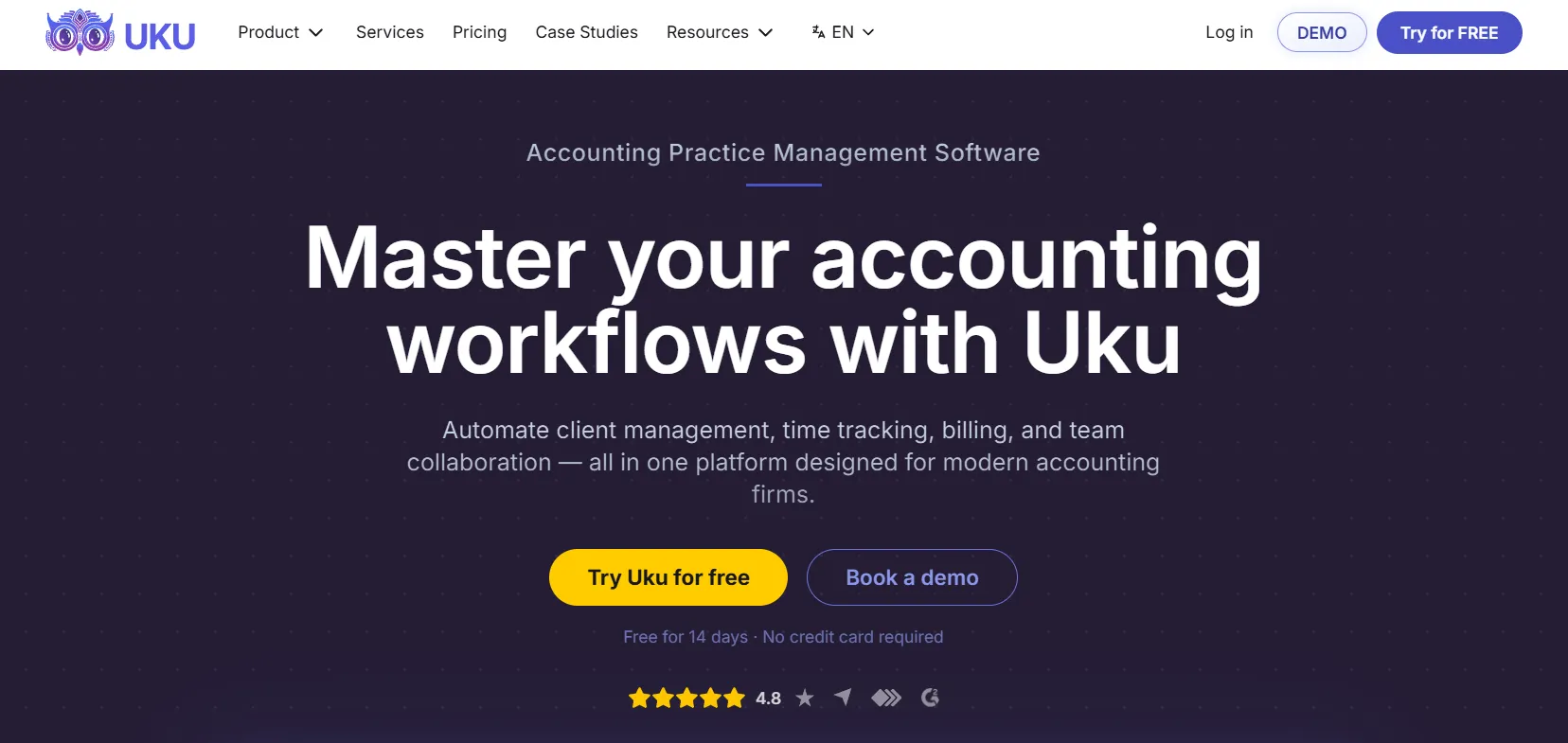
Uku is built for accounting firms, and its Solo plan is purpose-made for the one-person practice. For $19/member/month (billed yearly) you get a complete toolkit for up to 20 active clients: billing, the client portal, document management, monitoring, client budgeting, and e-signatures — features that, importantly, aren’t a stripped-down version of the team product. Unlimited workflow templates automate your recurring work, time tracking feeds billing, and even as a solo you get a single source of truth for everything across your clients. Inactive clients don’t count toward the limit, and it integrates with QuickBooks, Xero, e-conomic, and Tripletex. A 14-day free trial and free onboarding are included. For the full plan walkthrough, read Uku Solo: a serious toolkit for the accountant working alone.
| 👍 Uku does best | 👎 Uku’s limits |
|---|---|
| Full all-in-one toolkit at solo price | 20 active clients on Solo |
| Solo includes budgeting + e-signatures | Fewer third-party integrations |
| Recurring workflow automation | No built-in chat |
| Time tracking tied to billing | |
| Free trial and free onboarding |
2. Jetpack Workflow — best for task-only solos
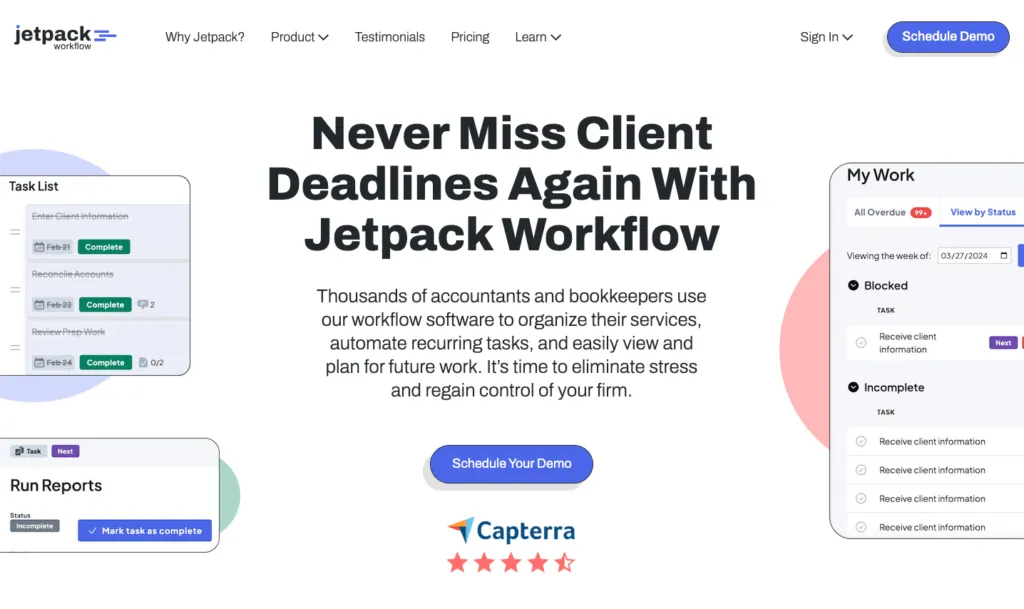
Jetpack Workflow keeps things simple: recurring jobs, customizable checklists, and a clean dashboard. For a solo who only needs to stop dropping tasks, it does the job with almost no learning curve. The limits matter for a one-person firm, though: there’s no client portal, time tracking is light, and you bill through QuickBooks. At $40/user/month it’s a focused starter tool rather than an all-in-one.
| 👍 Jetpack does best | 👎 Jetpack’s limits |
|---|---|
| Dead-simple recurring task tracking | No client portal |
| Almost no learning curve | Light time tracking |
| Good for a task-only solo | No built-in billing |
3. Financial Cents — best simple budget tool
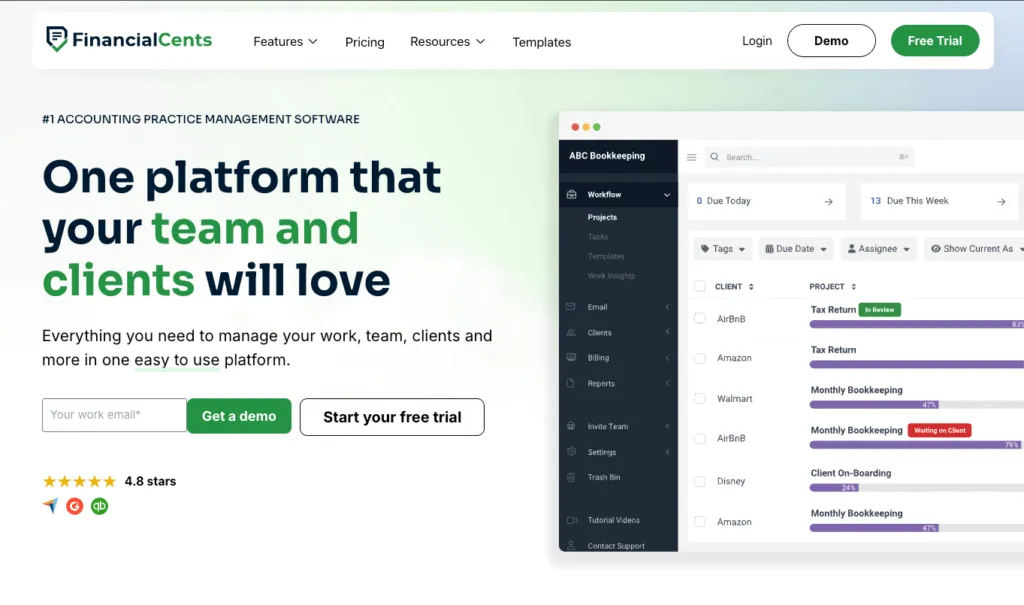
Financial Cents is an easy, affordable workflow tool with strong client document requests and a magic-link portal clients actually use. For a solo it covers workflow and document collection well. It has basic built-in invoicing with card and ACH payments that syncs to QuickBooks Online; the catch is that reporting is lighter. Its single-user Solo plan is $19/month billed annually, a solid pick for a sole practitioner who works in QuickBooks Online.
| 👍 Financial Cents does best | 👎 Financial Cents’ limits |
|---|---|
| Affordable, simple workflows | Solo plan is annual-only |
| Strong client document collection | Lighter reporting |
| Easy magic-link client portal | Fewer all-in-one features |
4. Karbon — best if you’re about to grow
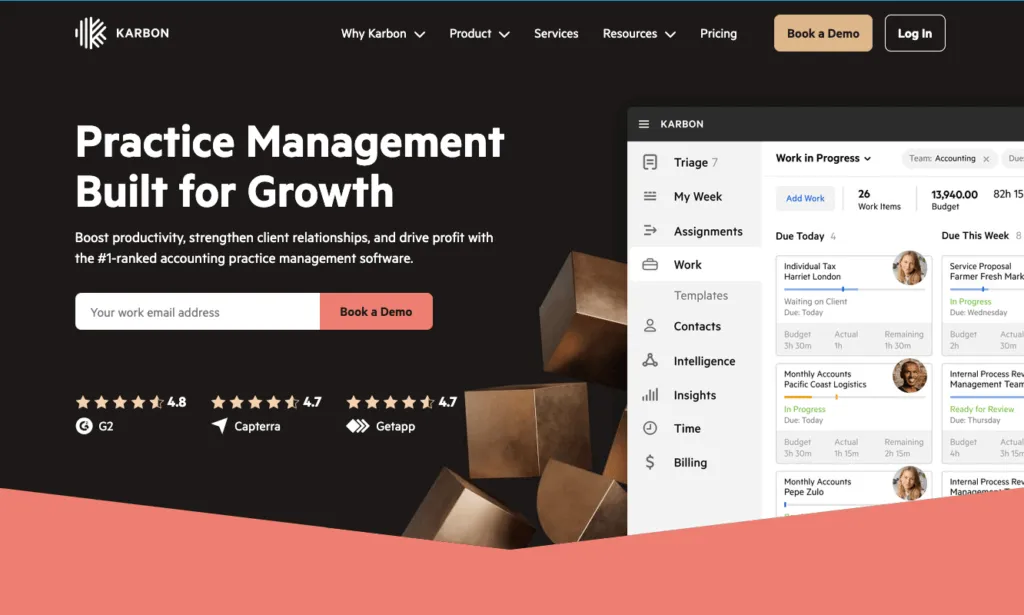
Karbon is built for collaboration — email, triage, and shared workflows — which makes it overkill for most solos today but a fit if you’re a sole practitioner planning to bring on a team soon. The trade-offs for one person: at $59/user/month it’s the priciest option here, time tracking is light, and the collaboration features you’re paying for don’t pay off until you have colleagues to collaborate with.
| 👍 Karbon does best | 👎 Karbon’s limits |
|---|---|
| Scales into a growing team | Overkill for most solos |
| Strong communication features | Relatively expensive |
| Several integrations | Limited time tracking |
5. TaxDome — best if the portal is your priority

TaxDome offers a polished, all-in-one client portal with e-signatures, document management, and a client mobile app. A solo who competes on client experience might value it. The trade-off is a steeper learning curve and a busy interface built for high-volume firms — for one person, much of the breadth goes unused, and onboarding takes longer than with lighter tools.
| 👍 TaxDome does best | 👎 TaxDome’s limits |
|---|---|
| Polished client portal + mobile app | Steeper learning curve |
| E-signatures and document management | Built for larger firms |
| Strong client-facing experience | Overkill for one person |
How to choose the right tool as a solo accountant
- You want one tool that does everything at a fair price: Uku’s Solo plan is the strongest fit — billing, portal, budgeting, and e-signatures for $19/month, up to 20 active clients.
- You only need to stop dropping tasks: Jetpack Workflow is the simplest option.
- You work in QuickBooks Online and want simple workflow: Financial Cents covers it affordably.
- You’re a solo planning to grow into a team soon: Karbon is worth a look now.
- Client experience is how you compete: evaluate TaxDome’s portal.
For a one-person firm that wants the full toolkit without team pricing, see how Uku’s Solo plan compares in our best accounting practice management software guide.
The bottom line for solo accountants
For most solo accountants, Uku is the strongest pick — the Solo plan gives a one-person firm a genuinely complete toolkit, including budgeting and e-signatures, for $19/member/month. If you only need task tracking, Jetpack Workflow is the simplest, and Financial Cents is a good budget workflow tool. Consider Karbon if you’re about to grow, and TaxDome if the client portal is everything.
See the full 9-tool breakdown in our best accounting practice management software guide, or book a 30-minute Uku demo to see how the Solo plan fits a one-person practice.
Frequently asked questions
What is the best practice management software for solo accountants?
For solo accountants and one-person firms, Uku, Financial Cents, and Jetpack Workflow are the top picks. Uku is best because its Solo plan gives a one-person practice billing, a client portal, client budgeting, e-signatures, and workflow for $19/member/month for up to 20 active clients. Jetpack and Financial Cents are simpler, task-focused budget options.
How much should a solo accountant pay for practice management software?
A solo accountant can expect to pay $19 to $49 per month. Uku's Solo plan starts at $19/member/month (billed yearly) for up to 20 active clients, Financial Cents Solo is $19/month billed annually, and Jetpack Workflow is $40/user/month. Heavier platforms built for larger firms cost more and are usually more than a one-person practice needs.
Does a solo accountant really need practice management software?
Yes, often more than they expect. A solo practice has no one to cover for missed deadlines or under-billed work, so automating recurring workflows, tracking time against billing, and giving clients a portal frees up the hours a sole practitioner can't spare. The right tool effectively acts as the operations support a solo accountant doesn't have.
What is included in Uku's Solo plan?
Uku's Solo plan is a complete single-accountant tool for up to 20 active clients at $19/member/month. It includes accounting integrations, the client portal, document management, AML, custom fields, monitoring, client budgeting, e-signatures, billing, email management, and live chat support. Inactive clients don't count toward the 20-client limit.
What should a solo accountant look for in practice management software?
A solo accountant should prioritize an all-in-one feature set at a one-person price, recurring workflow templates to automate repetitive work, time tracking tied to billing so nothing is under-billed, a client portal for document collection, and fast setup, since there's no operations team to run a long rollout.

Published May 29, 2026 · Updated Oct 8, 2026