Practice Management Software with QuickBooks Integration (2026)
The best practice management software with QuickBooks integration in 2026, compared by sync depth, invoice flow, and billing. Honest picks for accounting firms.


Contents
QuickBooks Online is the ledger of record for a huge share of accounting firms. So when you choose practice management software, the integration question isn’t a nice-to-have — if data doesn’t flow cleanly between your practice tool and QuickBooks, you’ll re-key invoices and client data by hand, which is exactly the manual work you’re trying to eliminate.
Here are the best practice management tools with QuickBooks integration in 2026, with honest pros and cons and what each one is actually best at.
Quick answer: the 5 best tools with QuickBooks integration
- Uku — best for billing inside the tool that syncs invoices to QuickBooks. From $19/member/month.
- Financial Cents — best for small firms whose billing is simple. From $49/user/month.
- Canopy — best for tax-focused firms wanting QuickBooks plus document tools. From $74/user/month.
- TaxDome — best for all-in-one firms that also sync with QuickBooks. From $700/seat/year on a three-year term ($800 on a one-year term), billed upfront.
- Jetpack Workflow — best for simple firms that push time to QuickBooks for billing. From $40/user/month.
For the full breakdown of all 9 tools, see our guide to the best accounting practice management software.
How the top tools compare on QuickBooks
| Uku | Financial Cents | Canopy | TaxDome | Jetpack | |
|---|---|---|---|---|---|
| Best for (team size) | 1–50 | Under 20 | Small–mid | 200+ | Under 20 |
| Starting price | $19/member/mo | $49/user/mo | $74/user/mo (annual) | $700/seat/yr | $40/user/mo |
| QuickBooks Online sync | ✓ | ✓ | ✓ | ✓ | ✓ |
| Built-in billing | ✓ | Basic | ✓ | ✓ | — |
| Invoice flow | In-app → QB | Basic in-app, or QB | In-app → QB | In-app → QB | In QuickBooks |
| Client portal | ✓ | ✓ | ✓ | ✓ | — |
Why the QuickBooks integration matters
The integration quality decides how much manual work you actually eliminate:
- No double entry. Client data and invoices should move automatically, not get typed twice.
- Invoice flow. Where do invoices get created — in the practice tool or in QuickBooks? This shapes your whole billing workflow.
- Payment status sync. You should know what’s paid without checking two systems.
- Data accuracy. Every manual re-key is a chance for error. Automation protects your ledger.
The key distinction between tools: some generate invoices themselves and sync to QuickBooks (Uku, Canopy, TaxDome), Financial Cents has basic invoicing that suits simple billing, and Jetpack has no billing of its own and relies on QuickBooks.
The 5 best practice management tools with QuickBooks integration
1. Uku — best for billing in-app that syncs to QuickBooks

Uku integrates with QuickBooks Online (plus Xero, e-conomic, and Tripletex). Its model: you set up billing contracts in Uku, generate invoices from tracked time automatically, and those invoices sync to QuickBooks. You get billing automation inside your practice tool and an accurate ledger — the best of both — while Uku also gives the team a single source of truth for who’s doing what across every client. It starts at $19/member/month (Solo, up to 20 active clients) with a 14-day free trial and free onboarding, which makes the full workflow-plus-billing setup realistic even for a small firm.
| 👍 Uku does best | 👎 Uku’s limits |
|---|---|
| Billing in-app that syncs to QuickBooks | Fewer third-party integrations |
| Invoices generated from tracked time | Basic AML tooling |
| Single source of truth across the team | No built-in chat |
2. Financial Cents — best for small firms with simple billing
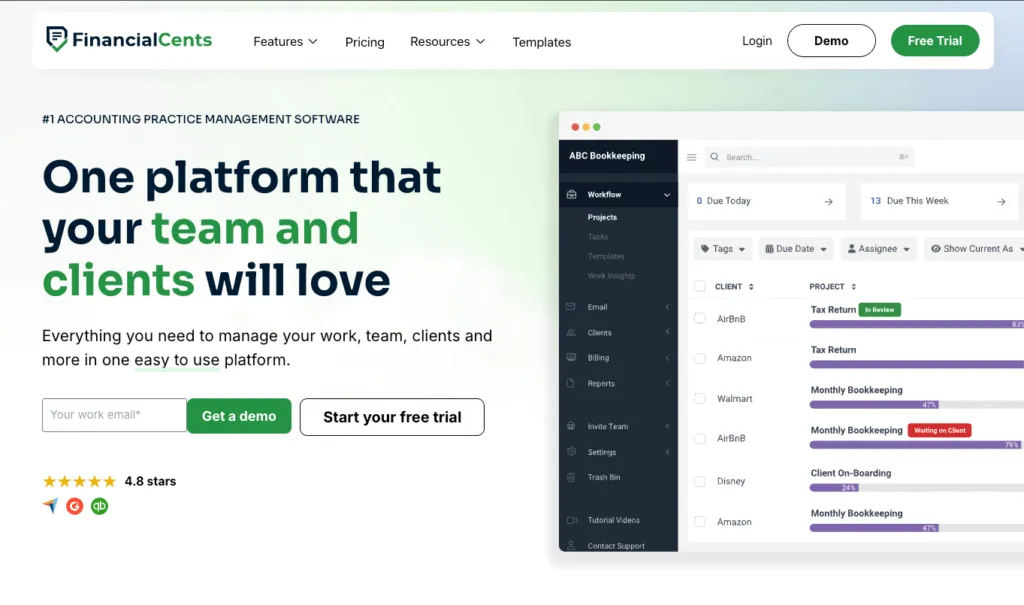
Financial Cents has built-in invoicing, but it is basic: invoices, online payments and retainers, without the depth of billing you get in Uku or Karbon. That is enough for a firm whose billing is simple and which mainly needs workflow and document collection, and Financial Cents does those well, with automated client requests and a magic-link portal. Firms with many billing contracts, mixed fee models or high invoice volume will outgrow it and end up doing the real billing work in QuickBooks. At $49/user/month it’s a solid budget pick for small firms that already live in QuickBooks.
| 👍 Financial Cents does best | 👎 Financial Cents’ limits |
|---|---|
| Simple invoicing for simple billing | Billing is basic next to Uku or Karbon |
| Strong document collection | Lighter reporting |
| Affordable for small firms | Best fit caps out under ~20 staff |
3. Canopy — best for tax-focused firms

Canopy offers QuickBooks integration alongside its own billing tools, bundled into every pricing tier since its 2026 pricing overhaul. You get client engagement, document management, workflow, and time-and-billing in a single flat-tier subscription, and can sync invoicing with QuickBooks. The caveat is that specialist tax work is still metered on top of the seat price — Tax Workflow Automation, Close Automation, and Tax Resolution all scale with usage — so the real cost still depends on how much of that consumption-based work you run. Pricing starts at $74/user/month (Standard, annual). (Canopy pricing checked 13 August 2026.)
| 👍 Canopy does best | 👎 Canopy’s limits |
|---|---|
| QuickBooks sync plus its own billing | Metered tax add-ons can add up |
| Full platform bundled into every tier | Total cost is still usage-dependent |
| Solid document management | Fuller features get expensive |
4. TaxDome — best for all-in-one firms

TaxDome syncs with QuickBooks while offering its own all-in-one client platform: portal, mobile app, e-signatures, document management, and built-in invoicing. It’s a fit for firms that want everything client-facing inside TaxDome but keep QuickBooks as the ledger of record. Invoices created in TaxDome sync across, so billing stays in one place for your team and clients. The trade-off is a steeper learning curve and a busy interface, which can be more than smaller firms need. From $700/seat/year on a three-year term ($800 on a one-year term), billed upfront.
| 👍 TaxDome does best | 👎 TaxDome’s limits |
|---|---|
| All-in-one client platform + QB sync | Steeper learning curve |
| Built-in invoicing and e-signatures | Busy interface for staff |
| Strong for large, high-volume firms | Overkill for tiny practices |
5. Jetpack Workflow — best for simple firms
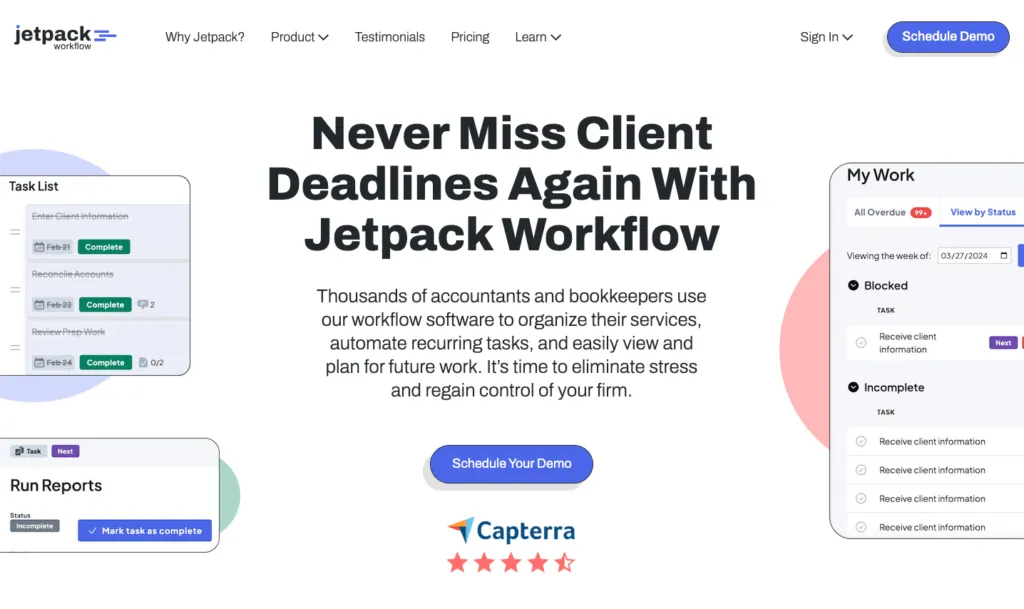
Jetpack Workflow has no invoicing of its own; you push time entries to QuickBooks to bill there. That keeps it simple for firms that just want reliable recurring job tracking and are happy to invoice in QuickBooks. Its clean dashboard and customizable checklists make it easy to adopt, but the limits are real — no client portal, light time tracking, and no in-app billing — so growing firms tend to outgrow it once they want billing automation. From $40/user/month.
| 👍 Jetpack does best | 👎 Jetpack’s limits |
|---|---|
| Simple recurring jobs, easy to adopt | No in-app billing |
| Time pushes to QuickBooks for billing | No client portal |
| Affordable for tiny teams | Light time tracking |
How to choose the right tool for your firm
- You want billing automation inside the tool with clean QuickBooks sync: Uku generates invoices from tracked time and syncs them to QuickBooks automatically.
- Your billing is simple, or you’d rather keep invoicing in QuickBooks: Financial Cents covers basic invoicing; Jetpack leaves billing in QuickBooks entirely.
- You want one flat seat price with tax add-ons on top: Canopy includes the full platform in every tier and meters specialist tax work separately, with QuickBooks sync.
- You want one all-in-one client platform that also syncs to QuickBooks: TaxDome is the most complete client-facing option.
The bottom line
If you want billing automation inside your practice management tool with clean QuickBooks sync, Uku is the strongest pick — invoices generate from tracked time and flow to QuickBooks automatically. If your billing is simple and you mainly need workflow and client management, Financial Cents is a solid, budget-friendly choice. For one flat seat price with tax add-ons, look at Canopy; for an all-in-one client platform, TaxDome.
See the full 9-tool breakdown in our best accounting practice management software guide, or book a Uku demo to see the QuickBooks invoice sync in action.
Frequently asked questions
Which practice management software integrates best with QuickBooks?
Uku, Financial Cents, Canopy, and TaxDome all integrate with QuickBooks Online. Uku syncs invoices generated from tracked time directly to QuickBooks, while Financial Cents has basic built-in invoicing that most firms pair with QuickBooks. The best fit depends on whether you want billing inside the practice management tool or in QuickBooks.
Why does QuickBooks integration matter for accounting firms?
Re-keying data between systems is one of the biggest time-wasters and error sources in a firm. A solid QuickBooks integration means client data, invoices, and payment status flow automatically between your practice management tool and your accounting ledger, with no double entry.
Does Uku integrate with QuickBooks Online?
Yes. Uku integrates with QuickBooks Online (plus Xero, e-conomic, and Tripletex). Invoices generated in Uku from tracked time and billing contracts sync automatically to QuickBooks, keeping your ledger accurate without manual entry.
Can I create invoices inside the practice management tool or only in QuickBooks?
It depends on the tool. Uku, Canopy, and TaxDome generate invoices inside the app and sync them to QuickBooks. Financial Cents has basic invoicing of its own (invoices, online payments, retainers), but not the billing depth of Uku or Karbon. Jetpack Workflow has no built-in billing, so invoicing happens in QuickBooks itself. Decide which billing workflow you prefer before choosing.
What should I check before trusting a QuickBooks integration?
Confirm two-way sync of clients, invoices, and payment status, not just a one-time export. Check whether the sync is automatic or manual, whether it covers QuickBooks Online (not just Desktop), and whether tracked time can become an invoice without re-keying. A weak integration creates more reconciliation work, not less.

Published May 29, 2026 · Updated Sep 28, 2026