Uku Solo: A Serious Toolkit for the Accountant Working Alone
Uku Solo is practice management built for one. 1 user, up to 20 active clients, $19/mo. Includes CRM, time tracking, invoicing, client budgets, and more.


Contents
You do everything yourself. Clients, deadlines, invoices, documents, follow-ups. No assistant to remind you. No colleague to jump in when something slips.
Uku Solo was built for exactly this.
It is not a cheap starter plan with half the tools stripped out. Solo is a strong, nearly complete toolkit for one person. It even includes some valuable tools that most platforms lock behind their premium tiers - client budgets being one of them. What is missing is only the team complexity and the higher-tier price.
One user, up to 20 active clients, $19/month billed annually.
Uku Solo at a glance: Practice management software built for solo accountants. 1 user, up to 20 active clients, $19/month billed annually ($25/month billed monthly). Includes CRM, calendar, time tracking, invoicing, workflow automation, accounting integrations (QuickBooks, Xero, and more), client portal, document management, AML tools, custom fields, email management, monitoring, task quick-actions, real-time support, and client budgets. Client budgets is a feature most platforms reserve for premium plans - Solo includes it.
Who Uku Solo is for
Picture a normal Tuesday. One client wants an invoice from last week. Another is asking whether their tax return was filed. A third sent documents as email attachments, which are now buried somewhere in a few hundred messages. And that is all before lunch.
A solo accountant is the accountant, the project manager, the client support, and the billing department all at once. When you have a team, someone can catch a missed deadline. When you work alone, that safety net is not there. Your system is your team.
Solo is for you if:
- You work alone, with no staff
- You manage up to 20 active clients
- You want one place for clients, time, invoices, and workflow
What Uku Solo includes
Solo includes 15 tools. Here is what each one actually changes in your day.
Client management
CRM. A client calls asking about an arrangement from last quarter. You open their card and see everything in one place: contacts, notes, the full work history. No more scrolling through old emails trying to remember what you agreed last time.
Client portal. Clients upload documents directly to the portal and can see in real time where their work stands. Fewer “where are we at?” messages, more work done. Documents move through one secure place - not as email attachments bouncing back and forth.
Document management. All client files are organized and searchable. When the IRS asks for a contract from two years ago, you find it in ten seconds, not by opening ten folders.
AML. Anti-money laundering requirements are built into Uku. Risk assessments and client checks live in the same system as your work - not in a separate spreadsheet that is always one revision behind.
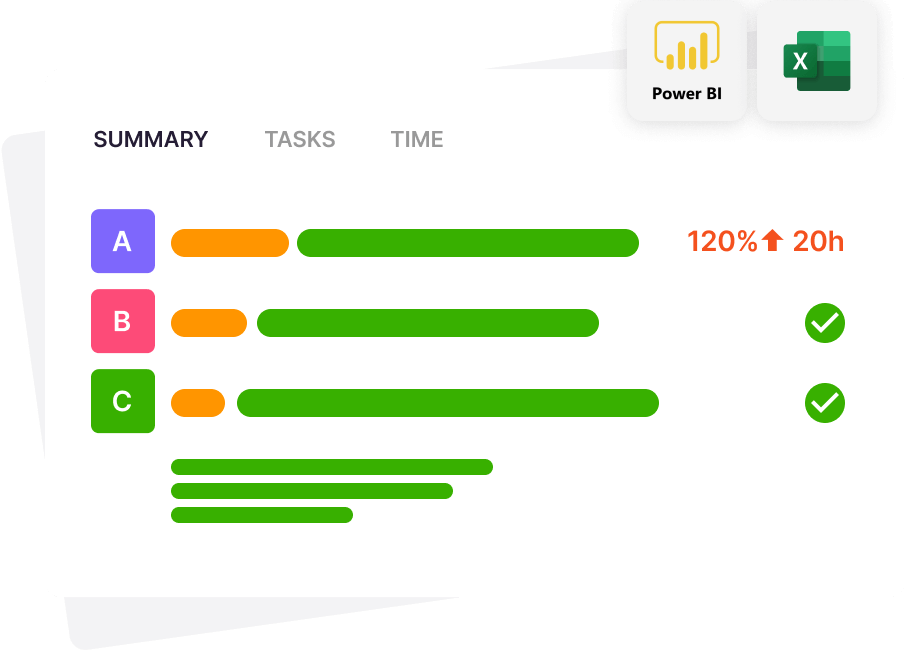
Client budgets. This is one of those tools most platforms lock behind their premium tiers. Solo includes it. Set an hour budget for each client and see right away whether the work fits - or whether it is quietly eating your margin. You know by mid-month, not when you are already building the invoice.
Work and time
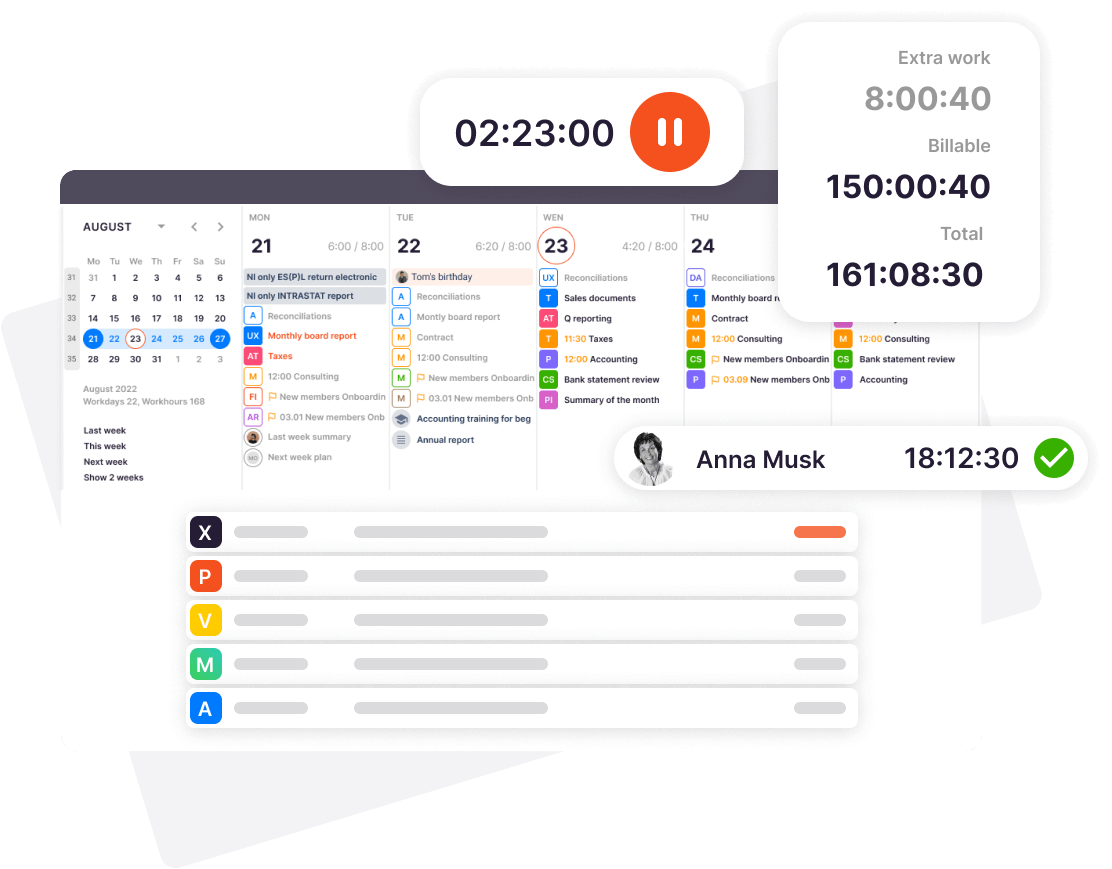
Calendar. All deadlines and tasks in one view. You stop waking up at 2am wondering whether that extension was filed.
Time tracking. Log ten minutes here, twenty minutes there. By month’s end, you have an accurate picture of where your time went - and you bill for actual work, not memory. Most people discover they have been undercharging.
Workflow automation. Monthly payroll and sales tax tasks appear automatically, on the right date, with reminders. You stop rebuilding the same checklist from scratch every single month.
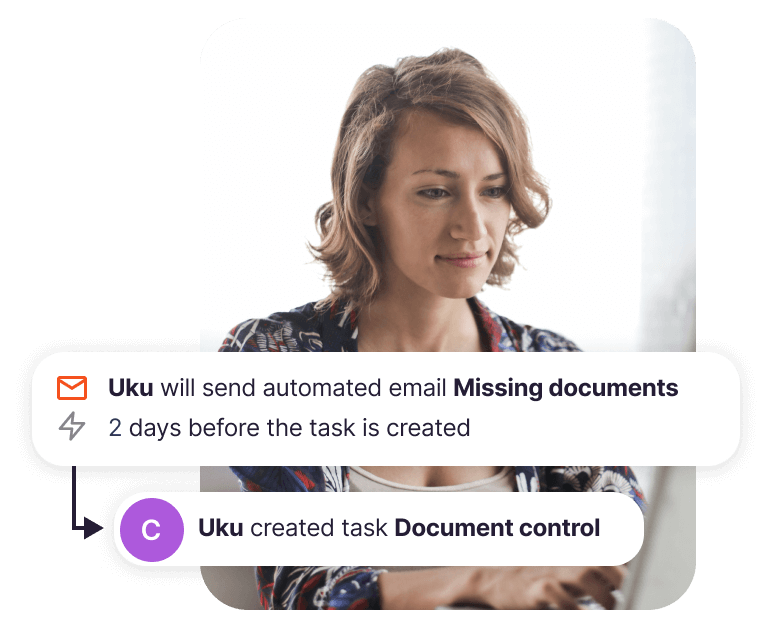
Task quick-actions. Frequent recurring jobs added in one click from ready-made templates. Less routine clicking, more actual accounting.
Monitoring. All client work status on one screen. You see at a glance what is done and what needs attention - without opening each client file one by one.
Billing
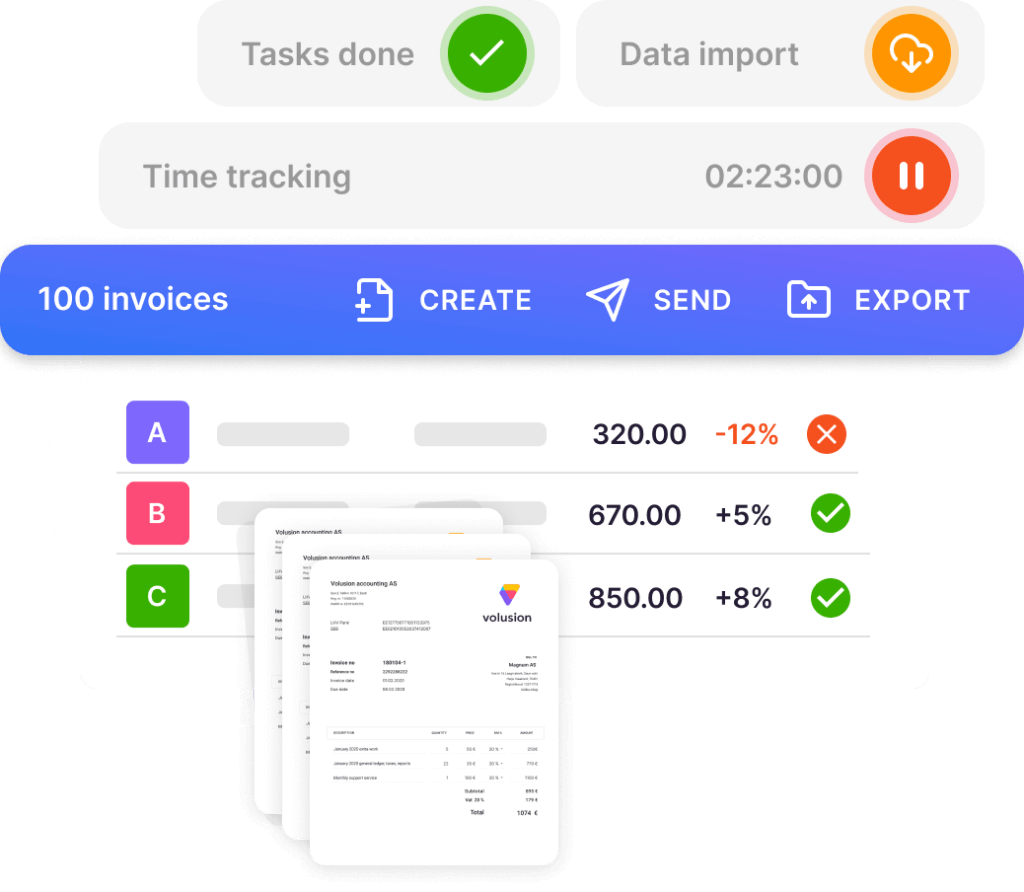
Invoicing. Build invoices directly in Uku with the client’s work history right there. Tracked time turns into an invoice in a few clicks, no pulling data from somewhere else.
Integrations and data
Accounting integrations. Uku connects with accounting software your clients already use - QuickBooks, Xero, and others. Data moves between systems on its own, no manual re-entry.
Custom fields. Add your own fields to clients and tasks when the defaults don’t cover what you need to track. Every practice runs a little differently.
Email management. Send and archive client emails directly from Uku. All communication stays tied to the client record, not scattered across folders in your inbox.
Support
Real-time support. When you have a question, you are not stuck alone. Write in the chat and get a response the same day. When you work solo, that is worth more than you would think.
Price and limits
| Billed annually | $19/month |
| Billed monthly | $25/month |
| Users | 1 |
| Active clients | Up to 20 |
All 15 tools are included. No hidden add-ons.
Compare all plans and pricing →
Solo or Team: which one fits?
Put your whole firm in one place Start free for 14 days. No credit card, full access. Try Uku freeSolo gives a solo practitioner a complete toolkit. Team adds what a firm needs on top: multiple users, work assignment and tracking, shared clients.
| Solo | Team | |
|---|---|---|
| Users | 1 | Multiple |
| Active clients | Up to 20 | Unlimited |
| Best for | Solo accountant | Accounting firm with staff |
| Workflow tools | Full solo toolkit | Everything + team management |
Choose Solo if you work alone and your client portfolio has up to 20 active clients.
Choose Team if there is more than one person in your firm, you manage more than 20 clients, or you need to assign and track work across team members.
Started solo and your practice is growing? You can switch plans any time in your account settings. Your data stays.
How to get started
Pick your plan and start today.
Want to compare all plans side by side first?
Frequently asked questions
What is an active client and why is the limit 20?
An active client is a client you are actively working for: they have open tasks, you handle their work, and you invoice them. A client whose work is closed and who has nothing going on right now does not count toward the 20. Solo is designed for a focused portfolio - up to 20 active clients. That covers most solo practitioners.
What happens if I have more than 20 active clients?
More than 20 active clients means it is time to move to the Team plan. Switching takes a few minutes in your account settings.
Can I change my plan later?
Yes, any time. Go to your account settings and switch from there. If you need help, email us: uku@getuku.com
Frequently asked questions
What is an active client and why is the limit 20?
An active client is a client you are actively working for: they have open tasks, you handle their work, and you invoice them. A client whose work is closed and who has nothing going on right now does not count toward the 20. Solo is designed for a focused portfolio, up to 20 active clients.
What happens if I have more than 20 active clients?
More than 20 active clients means it is time to move to the Team plan. Switching takes a few minutes in your account settings.
Can I change my plan later?
Yes, any time. Go to your account settings and switch from there. If you need help, email uku@getuku.com.