Glossary
Client Portal
A client portal is a secure, branded space where an accounting firm and its clients exchange documents, tasks, and messages in one place instead of email and shared drives. The firm assigns document requests and deadlines inside it; the client logs in — usually through a passwordless link — to upload files, answer questions, and see what is still outstanding.
What actually moves through a client portal
A client portal is the exchange layer between a firm and its clients — the place a document request, an uploaded file, a question, and an answer all live against the same client record instead of being scattered across an inbox. The firm creates a request with a deadline; the client sees it, uploads what is asked for, and the firm sees the moment it lands. Nobody is refreshing an inbox to check.
That sounds close to what a shared drive or an email thread already does, and that is exactly the comparison worth being precise about, because the difference is not storage — it is the request-and-status layer on top of it.
| Client portal | Email thread | Shared drive | |
|---|---|---|---|
| Tracks what is still outstanding | Yes, per request | No — someone has to remember | No |
| Reminds the client automatically | Yes | Only if someone sends one | No |
| Attaches to the client record | Yes | No, lives in a mailbox | Loosely, by folder |
| Client needs a password | Usually not (link-based) | No | Often yes |
| Firm sees upload the moment it happens | Yes | Only on refresh | Only on refresh |
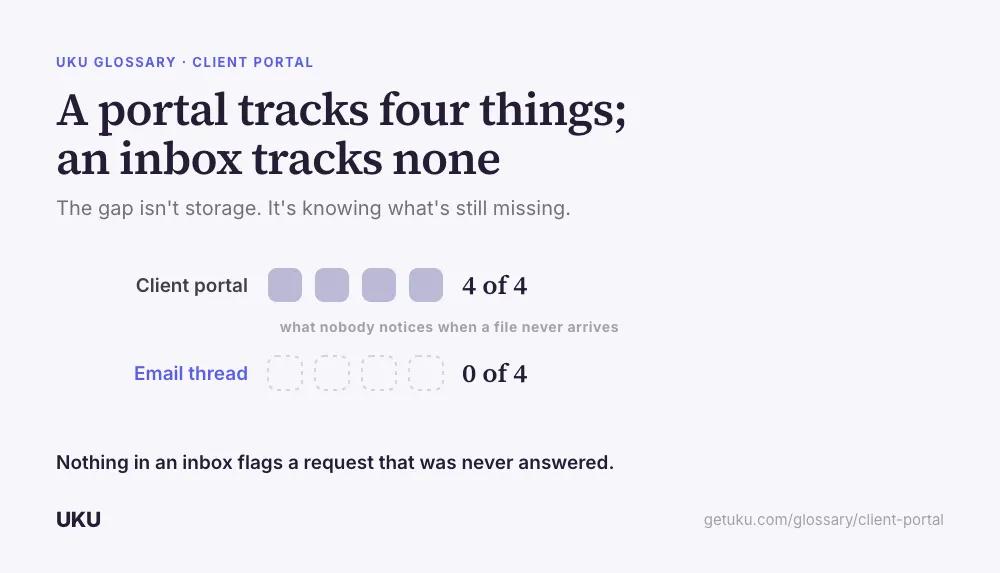
Email and drives do not fail because they cannot hold a file — they fail because nothing in them tracks whether the file was ever asked for and never arrived. That gap is the entire reason a client portal exists as its own category rather than a folder convention.
Why firms adopt one
The trigger is rarely “we want a portal” in the abstract. It is a specific cost that finally gets measured: hours spent chasing the same three clients every month for the same documents, or a tax season where half the team’s time goes to follow-up emails instead of the return itself. A portal does not make clients faster at gathering their documents — it makes the firm stop being the one who has to notice they are late.
The second driver is professionalism. A client comparing an accounting firm against a competitor notices whether onboarding happens through a branded link or a string of attachments in Gmail. A portal is one of the few pieces of back-office software a client actually sees, which is why firms that invest in practice management software tend to put the portal in front, not behind, everything else.
What belongs in the portal and what doesn’t
Not every client interaction should move into the portal — some things are faster over the phone, and forcing them into a form adds friction instead of removing it.
| Belongs in the portal | Better handled elsewhere |
|---|---|
| Recurring document requests (bank statements, payroll data) | A quick clarifying question mid-call |
| Signed engagement or intake paperwork | Sensitive personal conversations |
| Status of an open task or deadline | Sales conversations with a prospect |
| Secure file uploads (bank statements, IDs, receipts) | Internal firm notes about the client |
The rule of thumb most firms land on: if the client needs to know a deadline or provide something by it, it goes through the portal, where a reminder can be attached to it. If it is a conversation, it stays a conversation.
Setting one up without creating a second inbox
The failure mode of a badly run portal is that it becomes a second inbox — a place clients message into that the firm now has to check in addition to email, doubling the surface area instead of replacing it. The fix is structural, not behavioral: requests come with a deadline and a client onboarding checklist so the client knows exactly what is expected on day one, and reminders fire on a schedule rather than depending on a team member remembering to nudge.
Firms running recurring services — outsourced bookkeeping is the clearest example — lean on the portal hardest, because the same request repeats every month for every client. A portal that tracks status per client turns “did January’s bank statement come in yet” from a question someone has to ask into something visible without asking.
What to check before picking one
Three things separate a portal that gets adopted from one that gets ignored after the first month: how little friction it takes for a client to log in, whether it carries the firm’s own branding rather than looking like third-party software, and whether reminders are automatic rather than something a team member has to trigger by hand. A portal that requires a password reset on the client’s second visit loses adoption before it has a chance to prove the rest of the system works.
How Uku handles client portal
Last updated September 19, 2026 Reviewed by Rain Allikvee