Glossary
Recurring Tasks
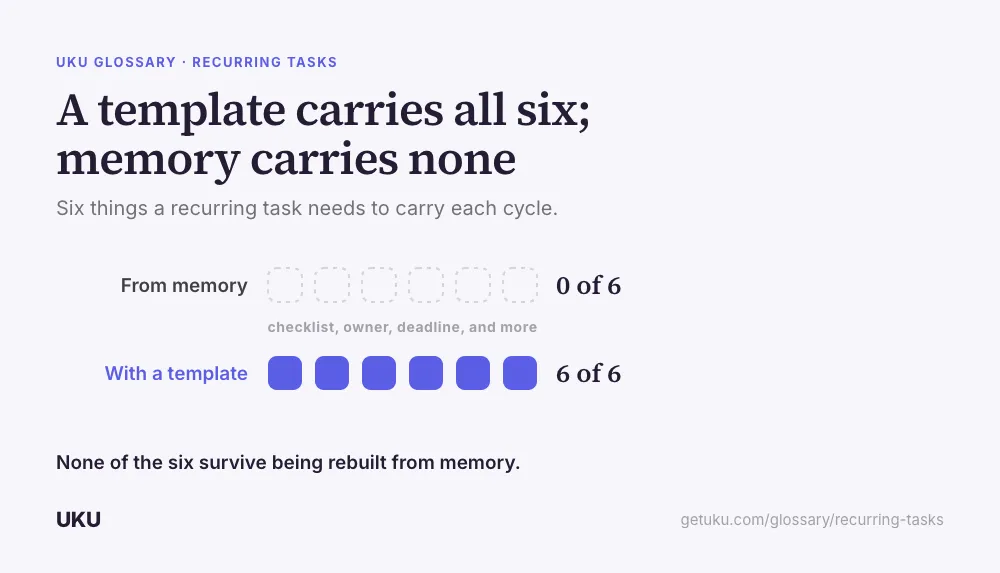
A recurring task is a piece of client work — a monthly reconciliation, a quarterly filing, an annual review — that is generated automatically on a repeating schedule instead of being created by hand each time it is due. It carries the same checklist, the same responsible person, and the same deadline logic on every occurrence, so the work does not depend on someone remembering the exact steps from last time. The alternative is not that the work goes undone; it is that it gets rebuilt from memory every cycle, with small differences each time.
What makes a task recurring, not just repeated
Plenty of accounting work repeats without being a recurring task in any useful sense. A bookkeeper who redoes the same reconciliation every month from a mental checklist is doing repeated work; nothing about the process is captured anywhere a colleague or a replacement could pick it up. A recurring task is the same work with the instructions attached to the schedule itself — the checklist, the responsible person, the attachments, the deadline logic — so the system, not a person’s memory, is what generates the next occurrence.
The difference only becomes visible under stress: when the person who usually does the work is out, or when the firm takes on twenty new clients at once and there is no time to explain the process to each new hire individually.
Why the firm-wide date breaks first
The simplest recurring-task setup assumes every client shares the same deadline — file VAT on the same date each quarter, close the books on the same day each month. That assumption survives exactly until a firm serves clients with different financial year ends or different filing stagger groups, at which point a single firm-wide date is wrong for most of the portfolio.
The fix is anchoring the recurrence to a date stored on the client record rather than a fixed calendar date, so one workflow template generates a task on each client’s own year end, VAT period, or renewal date. This is the difference between a recurring task that scales to a diverse client base and one that only works while every client happens to look the same.
What a recurring task template should carry
| Element | What it standardizes | What breaks without it |
|---|---|---|
| Checklist / subtasks | The exact steps, in order | Steps get skipped or reordered depending on who does the work |
| Responsible person or role | Who owns the occurrence | Ownership defaults to whoever noticed it was due |
| Deadline logic | Fixed date, or anchored to a client field | Every client needs a manually set date each cycle |
| Time estimate | Expected effort, feeding capacity planning | The work looks free until someone is already overloaded |
| Weekend/holiday rule | What happens when the date falls on a day off | Ad hoc decisions, made differently each time |
| Dependency (if any) | What has to finish before this starts | Handoffs happen by email instead of automatically |
The cost of rebuilding work from memory
The real cost of not using recurring tasks is not that the work is forgotten outright — most experienced staff will not let a deadline slip entirely. It is that the work is recreated slightly differently every cycle: a step is skipped under time pressure, a new hire does it differently from how the person before them did, and nobody notices the drift until a client asks why this quarter’s process felt different from last quarter’s. That drift is invisible in a task list and only shows up as inconsistent service quality over a year.
It also hides workload from anyone trying to plan ahead. Work that exists only in someone’s memory cannot feed capacity planning, because there is nothing on the calendar to compare against available hours until the deadline is already close.
Recurring tasks and the client relationship
Recurring work is also where a firm’s relationship with a client is actually built or eroded, one cycle at a time. A client onboarding process that sets up the recurring cadence correctly from day one — the right deadlines, the right checklist, the right owner — avoids the more expensive alternative of fixing a mis-scoped recurring task months in, once a client has already noticed something was missed twice.
Keeping the template honest
A recurring task template is not a one-time setup. The work it represents changes — a new regulatory step, a client-specific exception, a shorter turnaround the firm has started offering — and a template nobody revisits quietly falls out of step with how the work is actually being done. Firms that keep recurring tasks useful review the template itself on a regular cadence, the same way they review the logged time behind it against the original estimate, rather than treating the initial setup as finished.
How Uku handles recurring tasks
Last updated September 19, 2026 Reviewed by Rain Allikvee