









Invoices
Your team's tracked time and contracts become invoices in Uku. Review, approve, and they land inside Fortnox — header, line items, moms, due date, the lot.
- Header
- Line items
- VAT codes
- Due date
- Reference
Your team tracks the work. Uku turns it into invoices Fortnox gets the same day. No spreadsheets, no missed minutes, no end-of-month panic.
4.8 from 300+ reviews · No credit card required
Uku finds the 15–30% of revenue your Fortnox invoice can't see.
Uku is simple and intuitive and covers anything we might need from a work management system — from tracking time and managing tasks to billing.
— Kersti S., Sandgrav Solutions · Lead accountant
Fortnox holds the books. Uku runs the practice. Here's exactly what moves between them — and which way. No black boxes.
Your team's tracked time and contracts become invoices in Uku. Review, approve, and they land inside Fortnox — header, line items, moms, due date, the lot.
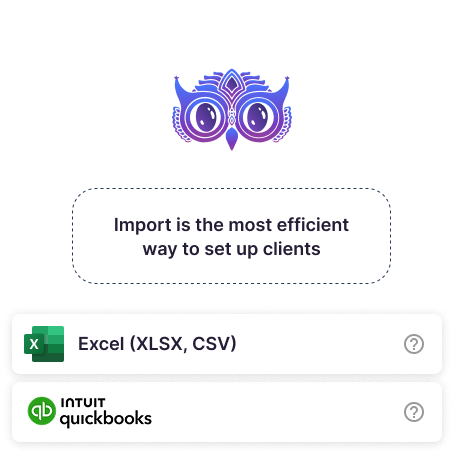
Every Fortnox customer lands in Uku, ready for work. One click, no spreadsheet exports.
Your Fortnox articles become Uku billing templates so contracts use your real catalogue.
Configure moms rates once in Fortnox. Uku stays in sync — no double maintenance.
When Fortnox marks an invoice paid, Uku closes the loop on the same client.
Read-only. You still collect payments in Fortnox.
Syncs on every invoice export · Re-sync your client list any time.
Sign in to Fortnox from Uku. Your customer list is in Uku in under a minute.
Pick the services, set the rates. Uku starts collecting time for you.
Review, hit send. It lands in Fortnox — line items, moms, due date.
One click pulls every customer from Fortnox. Name, email, address, organisationsnummer — in Uku, ready for work.
Customer moved? Address changed? Re-sync any time. Your books and your practice stay in lockstep — without anyone chasing it.
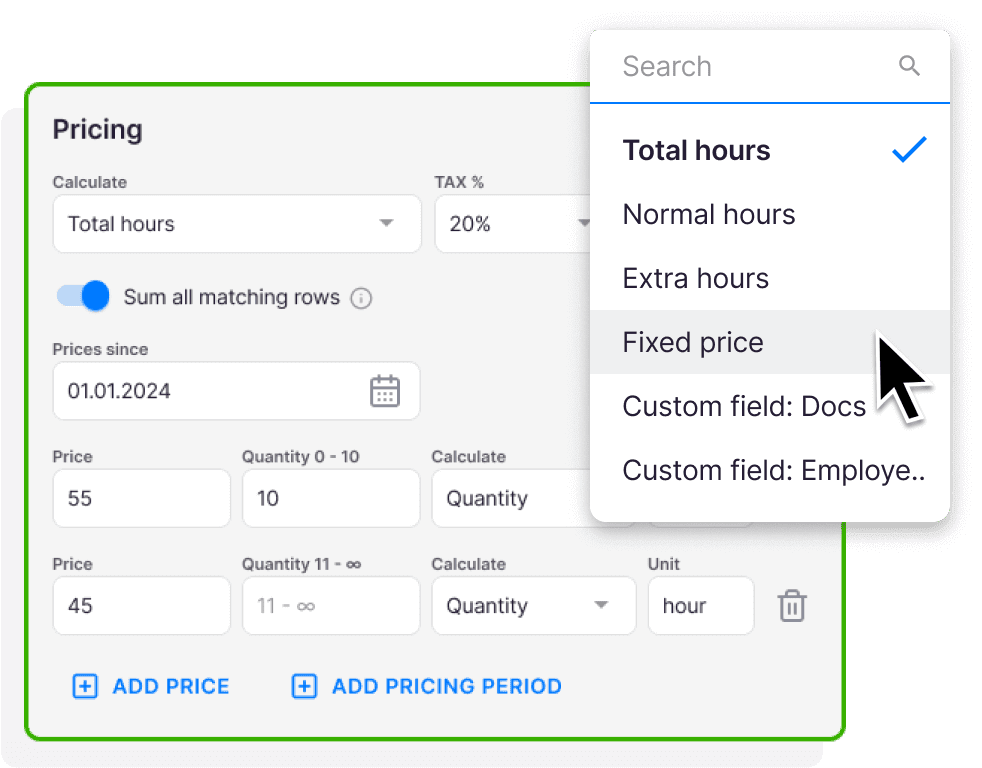
Build a contract once. Uku pulls in your team's tracked time, fixed fees, and volume entries — and drafts every invoice for you. The work that was lost in spreadsheets gets billed.
Mix time, fixed, volume, and item-based pricing in the same contract. Set minimum time and rounding rules. Your Fortnox VAT codes are already loaded — no double setup.
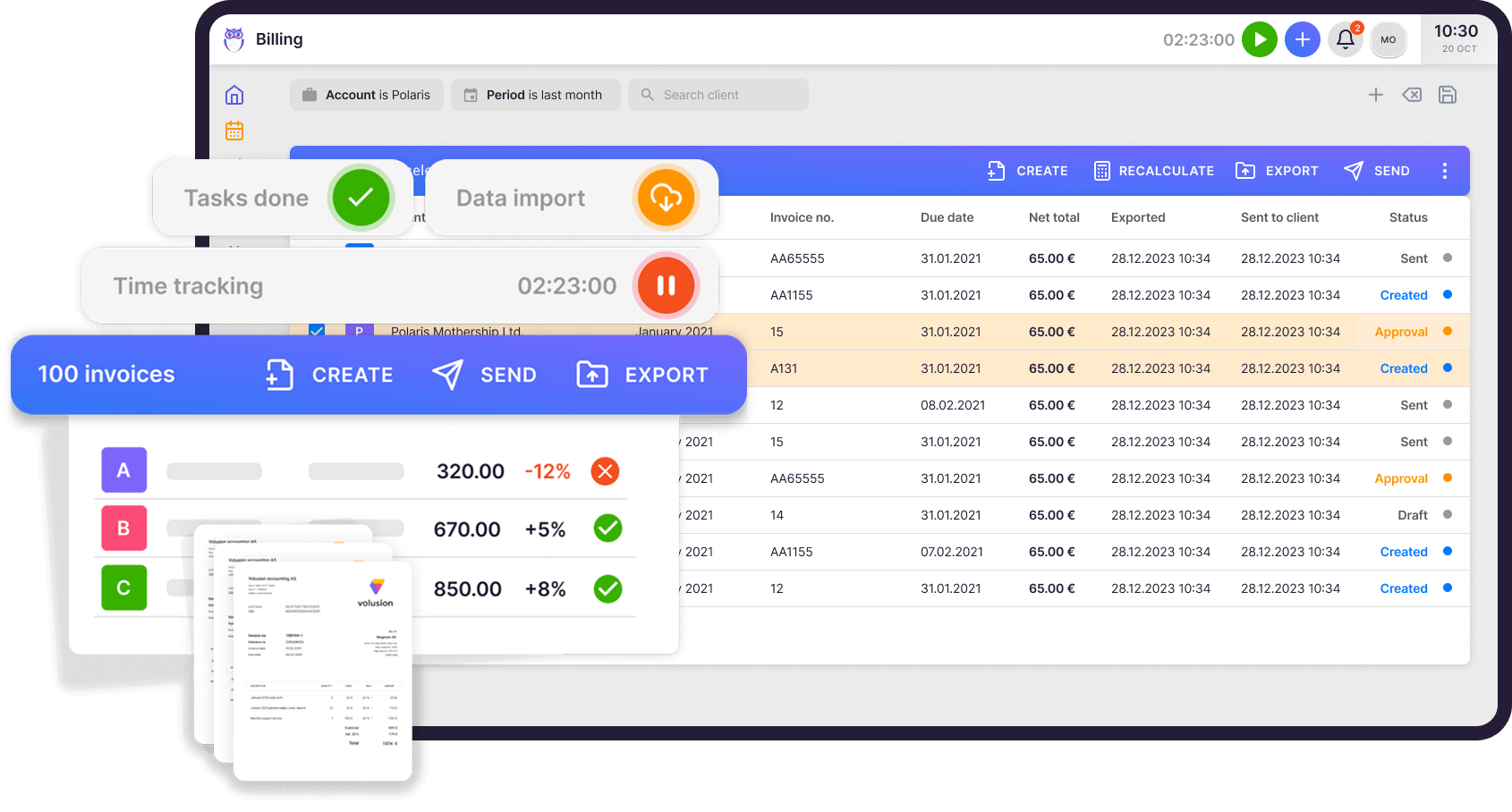
Review the draft, hit send. Uku pushes the invoice into Fortnox — header, line items, moms, due date, reference. All of it.
Fortnox marks it paid? Uku closes the loop on the same client. No double entry. No reconciliation. No spreadsheets in the middle.
Fortnox knows which invoices are paid. Uku knows the rest. So Uku sends the reminders — politely, on a schedule you set.
Set up two reminders or five. Different templates for 2, 7, and 14 days overdue. Your team stops chasing money and goes back to actual work.
On schedule
Set your own schedule, write your own emails, change the tone any time. Uku runs it. Your team doesn't touch it.
1 year with Uku and we can serve 38% more clients. Couldn't imagine life without Uku.

Uku is simple and intuitive and covers anything we might need from a work management system — from tracking time and managing tasks to billing. It has increased efficiency and visibility throughout our team.

Uku is easy to use and accountants actually love working with it.

Uku's team is very helpful in coming up with solutions. In our company, Uku has brought the client closer to accountant while giving both the accountant and management an overview of how much time is spent on what kind of work or communication.

Uku is the perfect solution for financial services companies unlike any other. Uku team is a pleasure to work with. They're quick to respond and offer adaptations and upgrades to match our needs.

I'd been looking for a practice management solution for my accounting firm for years. Uku was the answer to our problems.

Every question we hear about the Fortnox integration — and the answer is always the same.
Uku connects to Fortnox via API. Your Fortnox subscription needs Fortnox's integration licence, which is included in Fortnox's business packages or can be added to your plan. You can check it under your subscription in Fortnox.
One-way: Fortnox → Uku. Customers, addresses and organisationsnummer flow from Fortnox into Uku. We deliberately don't push client edits back — your books stay the single source of truth.
From Fortnox → Uku: customers, articles, VAT codes, payment status. From Uku → Fortnox: invoices, line items, VAT codes, due dates, references. The "What syncs" section above shows the full picture.
Connecting Fortnox and importing your customer list takes under 10 minutes. Mapping your services to Uku contracts takes 30–60 minutes depending on how many you have. Our onboarding team will sit on a call with you and do most of it.
No. Nothing leaves Uku until you hit send. There's no background sync running in the dark. You stay in control of every invoice that lands in Fortnox.
Uku reads the status back and updates the matching client and contract. You see paid, unpaid, or overdue without leaving Uku. You still collect payments inside Fortnox.
Have a question? Contact us — real people answer.















Elevate your efficiency with the powerful yet easy-to-use accounting practice management software.
"Let's create a dream, where the team is happy, clients are well served and profits are fair." — Rain Allikvee, Co-founder of Uku

 QuickBooks
  Xero
Xero  Gmail
Gmail  Google Drive
  Dropbox
  Zapier
  Microsoft 365
