







Invoices
Invoices land inside SmartAccounts — header, line items, VAT, due date.
- Header
- Line items
- VAT rate
- Due date
Your team tracks the work. Uku turns it into invoices SmartAccounts gets the same day. No spreadsheets, no missed minutes, no end-of-month panic.
4.8 from 300+ reviews · No credit card required
Uku finds the 15–30% of revenue your SmartAccounts invoice can't see.
The SmartAccounts and Uku integration has freed hundreds of hours of accountant time. The time and money savings are guaranteed!
— Ketlin Genergard, 1Office
SmartAccounts holds the books. Uku runs the practice. Here's exactly what moves between them — and which way. No black boxes.
Invoices land inside SmartAccounts — header, line items, VAT, due date.
SmartAccounts customers land in Uku via email + password auth. Selective import — pick the clients you need.
Uku auto-imports transaction counts per client — purchase and sales invoices, entries, documents. Monthly summary tasks appear on the last day of each month.
Per-client API keys (public + secret) required. Optional 12-month historical backfill.
Your SmartAccounts products become Uku billing templates.
SmartAccounts reports payment status automatically.
Read-only. You still collect payments in SmartAccounts.
Syncs on every invoice export · Re-sync your client list any time.
Enter your SmartAccounts email and password. Select which clients to import.
Add public and secret API keys per client in SmartAccounts. Test each connection.
Pick the services, set the rates. Add volume pricing if you bill by entry count. Uku starts collecting time and data for you.
Review, hit send. It lands in SmartAccounts — line items, VAT, due date.
Enter your SmartAccounts email and password. Select which clients to import — Uku pulls everyone in with name, email, address, registry code.
Imported clients are automatically matched against the Estonian Business Register. Missing details get filled in — so your CRM starts complete, not half-empty.
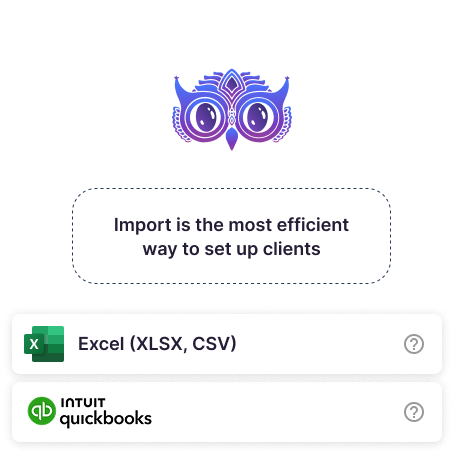
Uku auto-imports transaction counts per client from SmartAccounts — documents, entries, sales and purchase invoices, bank entries. No more switching between clients in SmartAccounts to count documents.
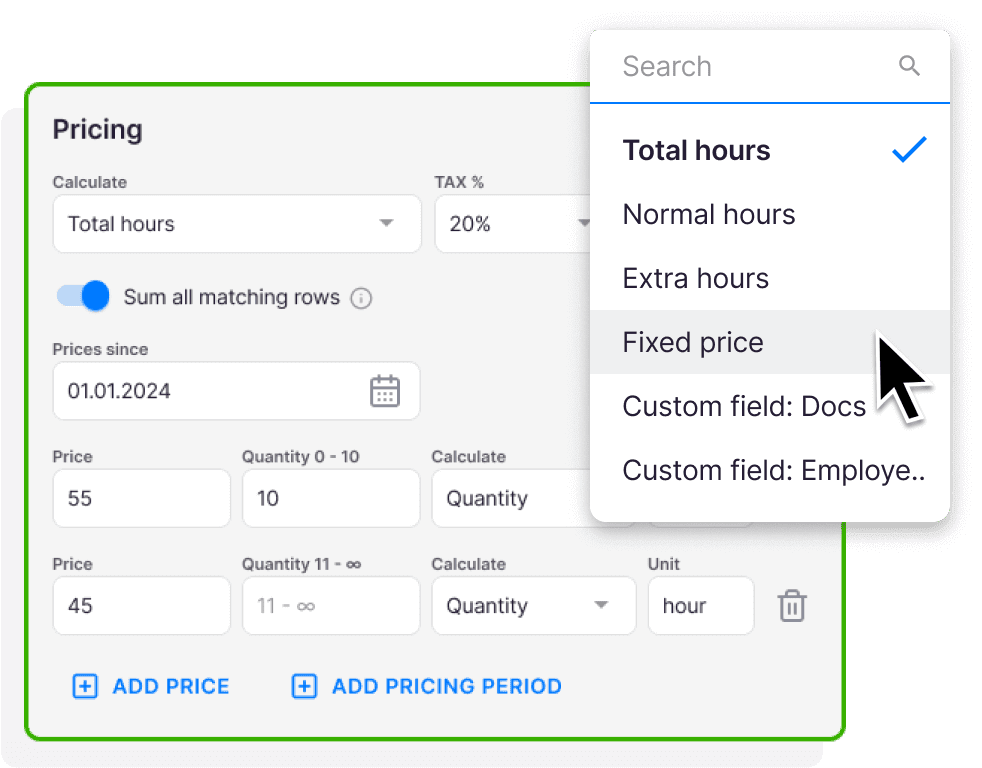
Monthly summary tasks appear on the last day of each month. Uku uses them to bill volume-based contracts automatically. Mix time, fixed, and volume pricing in the same contract. Optional 12-month historical backfill so you start with data, not a blank slate.
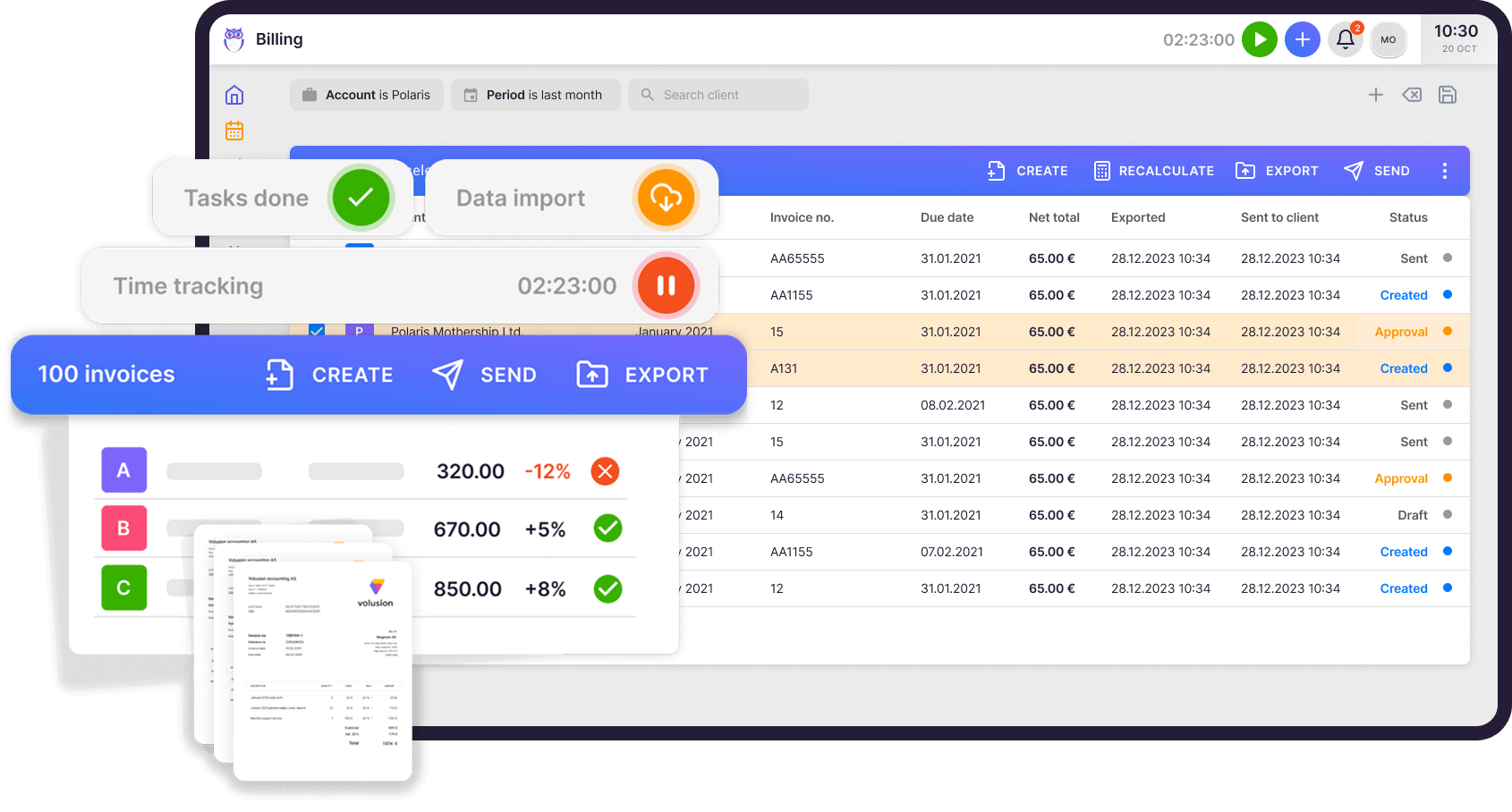
Review the draft, hit send. Uku pushes the invoice into SmartAccounts — header, line items, VAT, due date. All of it.
SmartAccounts marks it paid? Uku closes the loop on the same client. No double entry. No reconciliation. No spreadsheets in the middle.
SmartAccounts knows which invoices are paid. Uku knows the rest. So Uku sends the reminders — politely, on a schedule you set.
Set up two reminders or five. Different templates for 2, 7, and 14 days overdue. Your team stops chasing money and goes back to actual work.
On schedule
Set your own schedule, write your own emails, change the tone any time. Uku runs it. Your team doesn't touch it.
1 year with Uku and we can serve 38% more clients. Couldn't imagine life without Uku.

Uku is simple and intuitive and covers anything we might need from a work management system — from tracking time and managing tasks to billing. It has increased efficiency and visibility throughout our team.

I'd been looking for a practice management solution for my accounting firm for years. Uku was the answer to our problems.

Uku's team is very helpful in coming up with solutions. In our company, Uku has brought the client closer to accountant while giving both the accountant and management an overview of how much time is spent on what kind of work or communication.

Every question we hear about the SmartAccounts integration — and the answer is always the same.
Enter your SmartAccounts email and password in Uku Settings & Apps. Then add per-client API keys (public + secret) inside SmartAccounts for each client you want to sync work volume data.
One-way: SmartAccounts → Uku. Customers, addresses and registry codes flow from SmartAccounts into Uku. We deliberately don't push client edits back — your books stay the single source of truth.
From SmartAccounts → Uku: customers, products, transaction counts (documents, entries, invoices, bank entries), payment status. From Uku → SmartAccounts: invoices, line items, VAT rates, due dates. The "What syncs" section above shows the full picture.
Yes. This is the killer feature of the SmartAccounts integration: SmartAccounts reports the number of documents, entries, and invoices per client per month, and Uku uses those numbers to bill your volume-based contracts automatically. Stop running count spreadsheets.
Connecting SmartAccounts and importing your client list takes under an hour. Setting up per-client API keys takes a few minutes each. Mapping your services to Uku contracts takes 30–60 minutes. Our onboarding team will sit on a call with you and do most of it.
No. Nothing leaves Uku until you hit send. There's no background sync running in the dark. You stay in control of every invoice that lands in SmartAccounts.
Have a question? Contact us — real people answer.















Elevate your efficiency with the powerful yet easy-to-use accounting practice management software.
"Let's create a dream, where the team is happy, clients are well served and profits are fair." — Rain Allikvee, Co-founder of Uku

 QuickBooks
  Xero
Xero  Gmail
Gmail  Google Drive
  Dropbox
  Zapier
  Microsoft 365