
Tripletex + Uku integration for Accounting Firms

Practice management for Norwegian firms already on Tripletex.

  • Bill every minute your team actually worked — automatically
  • Your team stops chasing clients. Uku does it on a schedule.
  • Track every job, see who's behind, fix it before Friday

Uku finds the 15–30% of revenue your Tripletex invoice can't see.

Your team tracks the work. Uku turns it into invoices Tripletex gets the same day. No spreadsheets, no missed minutes, no end-of-month panic.

What syncs between Uku and Tripletex.

Tripletex holds the books. Uku runs the practice. Here's exactly what moves between them — and which way. No black boxes.

Uku → Tripletex

Invoices (as orders)

Your team's tracked time and contracts become invoices in Uku. Review, approve, and they land inside Tripletex as preliminary invoices (orders) — header, line items, MVA, due date.

Invoice export on demand · Payment status syncs once daily · Re-sync clients any time.

Tripletex → Uku

Clients

Every active Tripletex customer lands in Uku via employee token. Invoicing email addresses come with them.

Only active clients are imported. Archived or inactive customers are skipped.

Tripletex → Uku

Products & services

Your Tripletex products, services and classificators become Uku billing templates via the Billing app.

Tripletex → Uku

MVA codes

Configure MVA rates once in Tripletex. Uku stays in sync — no double maintenance.

Tripletex → Uku

Payment status

Uku checks Tripletex once daily for payment updates. Paid invoices close the loop automatically.

Daily sync. Partially paid invoices show as unpaid. Manual refresh available.

How it works

10 minutes to set up. The same day to your first invoice.

  1. 01

    Add your employee token

    Go to Settings & Apps → Tripletex. Paste your Tripletex employee token. Clients flow in under a minute.

  2. 02

    Build a contract

    Pick the services, set the rates. Uku starts collecting time for you.

  3. 03

    Send the invoice

    Review, hit send. It lands in Tripletex as an order — line items, MVA, due date. Invoice number updates within 24h.

Fast Client Import

Your Tripletex customers, in Uku in seconds.

Paste your employee token and Uku pulls every active customer from Tripletex. Name, invoicing email, address, organisasjonsnummer — ready for work.

Customer moved? Address changed? Re-sync any time. Your books and your practice stay in lockstep — without anyone chasing it.

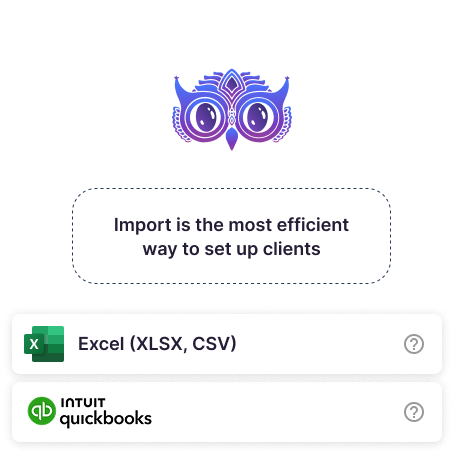
Uku importing customers from Tripletex in one click
Automated Billing

Automated Data Collection & Invoicing

Build a contract once. Uku pulls in your team's tracked time, fixed fees, and volume entries — and drafts every invoice for you. The work that was lost in spreadsheets gets billed.

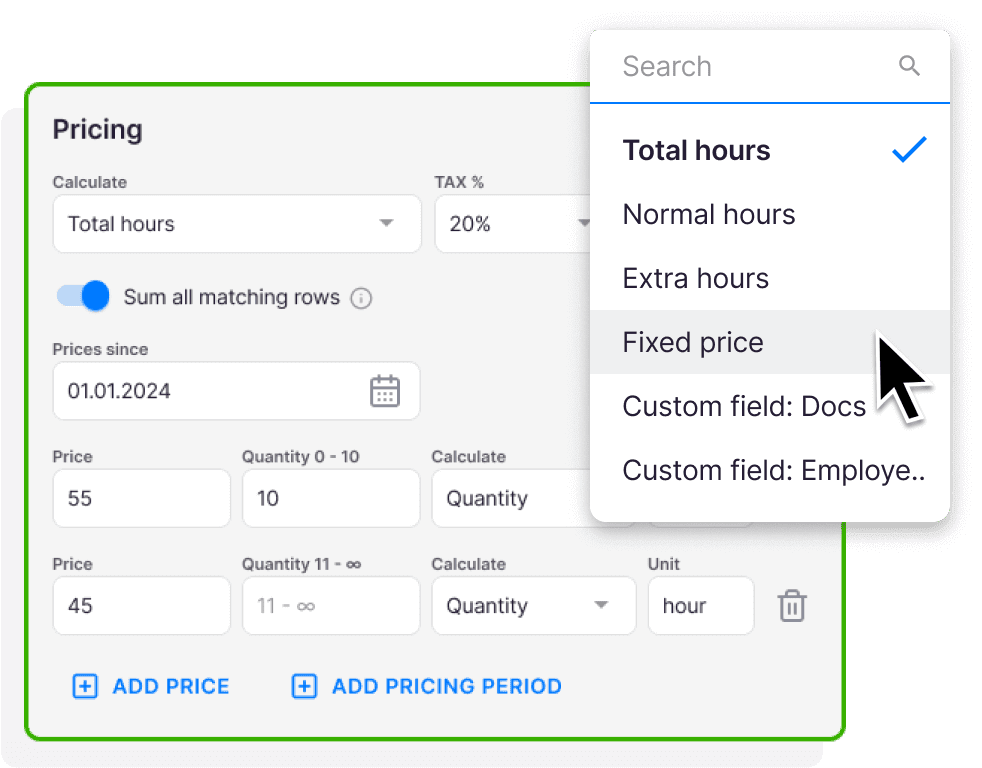
Mix time, fixed, volume, and item-based pricing in the same contract. Set minimum time and rounding rules. Your Tripletex MVA codes are already loaded — no double setup.

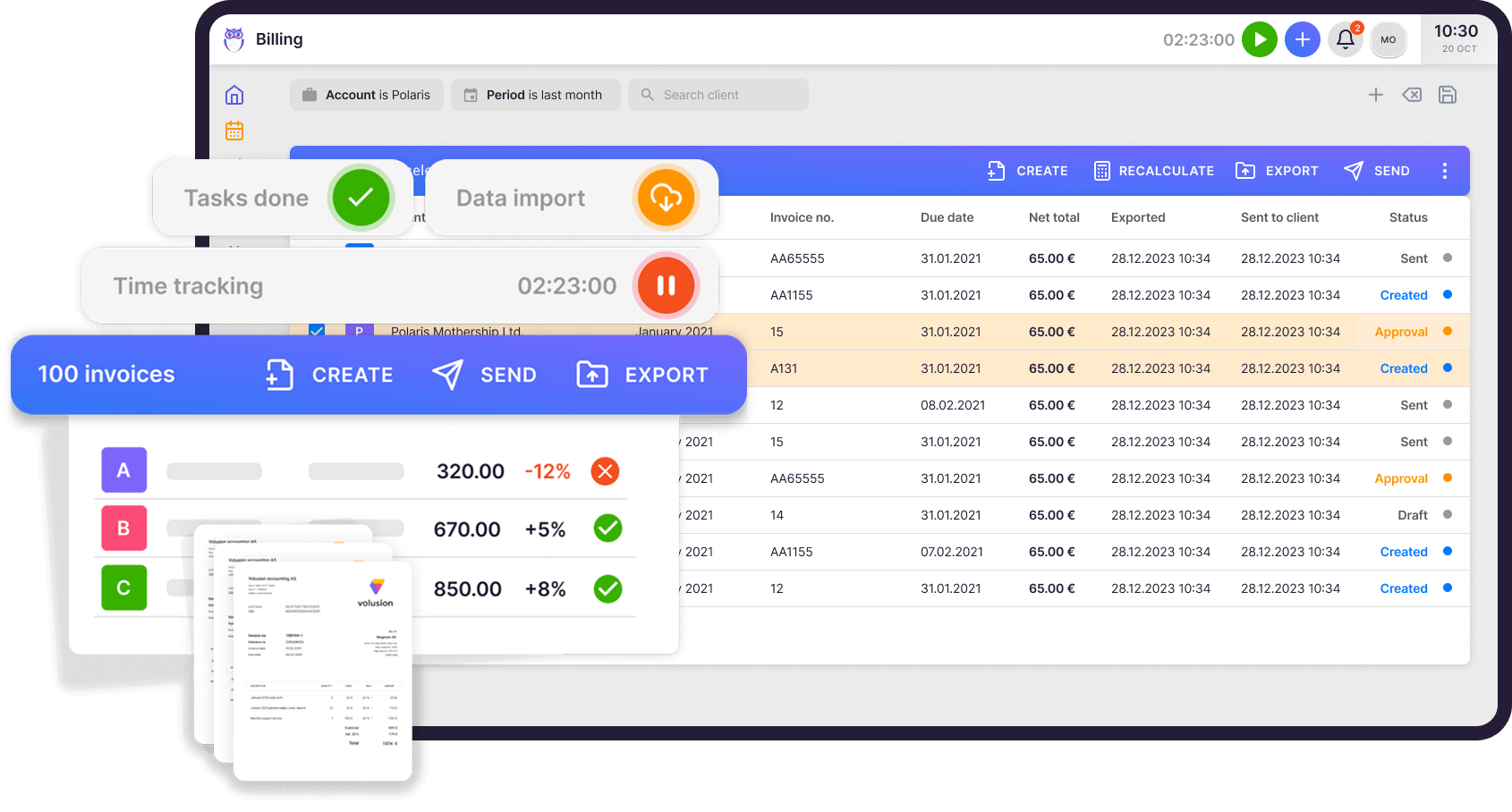
Uku automated billing dashboard with Tripletex-imported products
Invoices to Tripletex

From Uku to Tripletex in 4 clicks.

Review the draft, hit send. Uku pushes the invoice into Tripletex as a preliminary order — header, line items, MVA, due date. Tripletex assigns the final invoice number within 24 hours.

Tripletex marks it paid? Uku picks it up in the daily sync. No double entry. No reconciliation. No spreadsheets in the middle.

Uku one-click invoice export to Tripletex

Automated Debt Reminders

Overdue invoices chase themselves.

Tripletex knows which invoices are paid. Uku knows the rest. So Uku sends the reminders — politely, on a schedule you set.

Set up two reminders or five. Different templates for 2, 7, and 14 days overdue. Your team stops chasing money and goes back to actual work.

On schedule

2d Friendly
7d Polite nudge
14d Final notice

Set your own schedule, write your own emails, change the tone any time. Uku runs it. Your team doesn't touch it.

"Uku is simple and intuitive and covers anything we might need from a work management system — from tracking time and managing tasks to billing."

— Kersti S., Sandgrav Solutions · Lead accountant

Tripletex integration checklist

Yes, Uku Tripletex integration can do that.

Every Tripletex integration question we hear from accounting firms — and the answer is always the same.

  • Can I pull every Tripletex customer into Uku in one click? Yes!
  • Can Uku push invoices with line items, MVA and KID references straight into Tripletex? Yes!
  • Will Uku read payment status back so my team stops checking two places? Yes!
  • Can Uku auto-send polite debt reminders when invoices go overdue? Yes!
  • Does it work with Norwegian organisasjonsnummer and MVA rules? Yes!

What Norwegian practice managers say after a year with Uku

38% more customers in just one year

1 year with Uku and we can serve 38% more customers. Couldn't imagine life without Uku."

Annika R.

Chief accountant, Estonia

Annika R.

Increased efficiency and visibility across the team

Uku is simple and intuitive and covers anything we might need from a work management system — from tracking time and managing tasks to billing. It has increased efficiency and visibility throughout our team."

Kersti S.

Lead accountant, Sweden

Kersti S.

Accountants actually love working with it

Uku is easy to use and accountants actually love working with it."

Jurgita A.

CEO, Lithuania

Jurgita A.

Brought our clients closer to the accountants

Uku's team is very helpful in coming up with solutions. In our company, Uku has brought the client closer to accountant while giving both the accountant and management an overview of how much time is spent on what kind of work or communication."

Piret T.

IT Manager, Estonia

Piret T.

The perfect solution for financial services

Uku is the perfect solution for financial services companies unlike any other. Uku team is a pleasure to work with. They're quick to respond and offer adaptations and upgrades to match our needs."

Andzej R.

CEO, Lithuania

Andzej R.

The answer to our practice management problems

I'd been looking for a practice management solution for my accounting firm for years. Uku was the answer to our problems."

Christer H.

CEO, Estonia

Christer H.

FAQ

Questions about the Tripletex integration

Go to Settings & Apps → Tripletex in Uku and paste your Tripletex employee token. Only Uku Owners or Admins can activate the connection. If the token expires, generate a new one in Tripletex and paste it again.
One-way: Tripletex → Uku. Active customers, addresses and organisasjonsnummer flow from Tripletex into Uku. Archived or inactive customers are skipped. We deliberately don't push client edits back — your books stay the single source of truth.
From Tripletex → Uku: customers, products, services, classificators, MVA codes, payment status. From Uku → Tripletex: invoices (exported as preliminary orders), line items, MVA codes, due dates. Tripletex assigns the final invoice number within 24 hours.
Uku checks Tripletex once every 24 hours for payment updates. You can also trigger a manual refresh any time. Note: partially paid invoices appear as unpaid until full payment is registered.
Connecting Tripletex and importing your customer list takes under 10 minutes — just paste the employee token. Mapping your services to Uku contracts takes 30–60 minutes depending on how many you have. Our onboarding team will sit on a call with you and do most of it.
No. Nothing leaves Uku until you hit send. Invoices are exported as preliminary orders in Tripletex — you stay in control of every invoice.
Uku picks up the paid status in the daily sync and updates the matching client and contract. You see paid, unpaid, or overdue without leaving Uku. You still collect payments inside Tripletex.

Still have questions? Contact Us

Get started with Uku today.

Elevate your efficiency with Uku, the powerful yet easy-to-use accounting practice management software.

Try free for 14 days
Rain Allikvee, Uku's co-founder

Let’s create a dream, where the team is happy, clients are well served and profits are fair.

Rain Allikvee / Uku’s co-founder