Task management for accounting firms that runs itself.
Uku keeps the status of every client and task current — without a meeting.
- Tasks appear on dashboard and calendar at the right time
- Real-time overview of team workload and deadlines
- Drag-and-drop planning with automatic reminders
4.8 from 300+ reviews · No credit card required
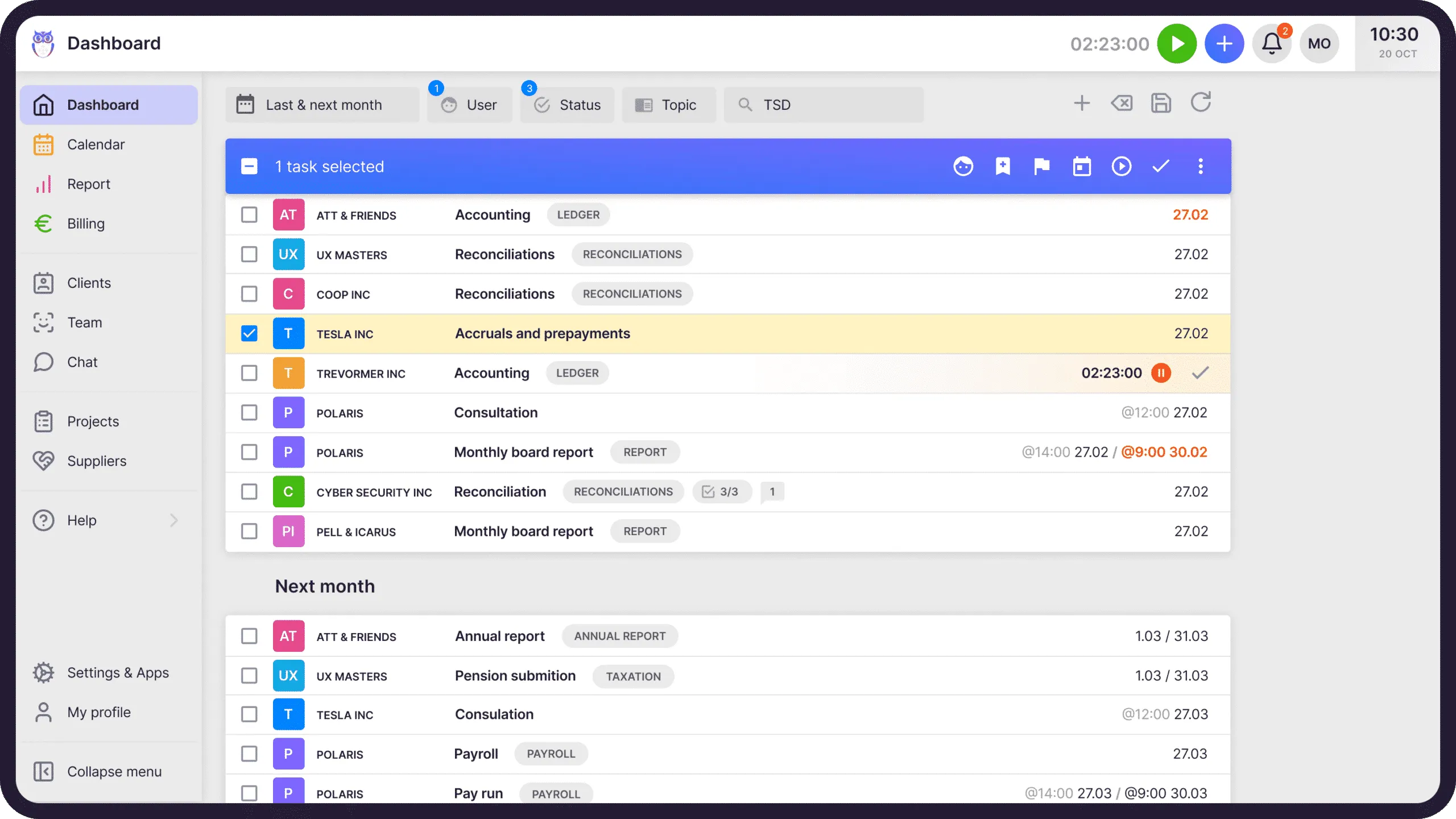
When tasks appear on the right person's dashboard on the right day, your firm runs on one daily plan everyone can trust — so nobody needs a status meeting to know what's due, and no client deadline slips through.
Missed deadlines
Tasks appear automatically when it's time to work on them. Reminders catch anything that slips. Team leads see overdue work in real time.
Saved per person, weekly
No status meetings, no chat check-ins, no spreadsheet tracking. The dashboard tells everyone exactly what to work on today.
Task visibility across the firm
Team leads see every client, every task, every deadline. Accountants see their own plan. Substitutions take minutes, not hours.
“Uku has significantly improved the way I work by making everything more structured, efficient, and giving me confidence that tasks are completed accurately and on schedule.”
Kaari Timuska, verified on Trustpilot
Task management that runs itself.
Uku creates daily task plans from your workflow templates. Tasks appear on the right day, for the right person — and when you mark a task done, the sun comes out on your screen.
Watch how Uku task management works · YouTubeTasks show themselves at the right time.
Tasks appear on your dashboard and calendar when it's time to work on them. Not before, not after — with the emails and the hours attached to the same task.
- Daily task plans created automatically from workflow templates
- Seeing only timely tasks keeps you focused on today
- Mark a task done — and the sun comes out on your screen
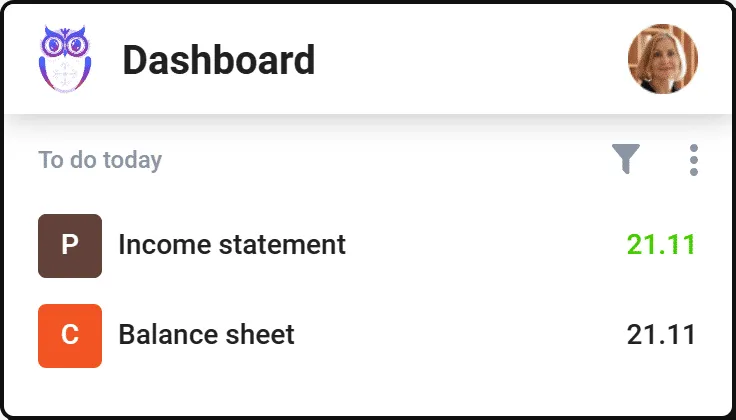
Make teamwork smoother.
Get a real-time overview of your team's work and your own. See who's overloaded and who has capacity — deadlines here, firm-wide capacity and utilization in BI Analytics.
- Assign tasks one by one or in bulk
- Comments and notifications for fast, contextual communication
- Drag and drop tasks between days to rebalance workload
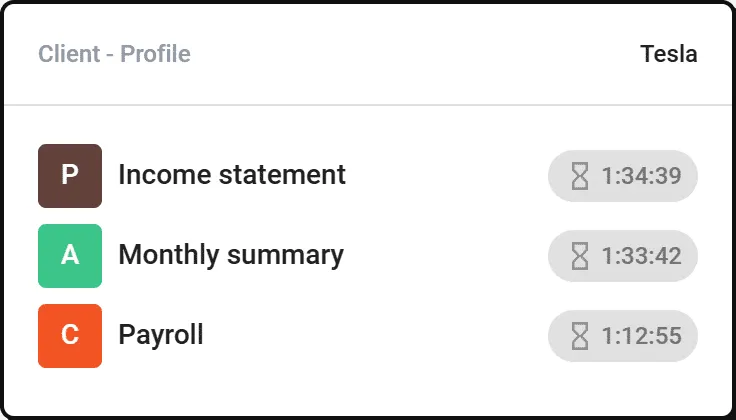
Never miss a task deadline again.
Timely task reminders keep everyone on track. Team leads see overdue tasks highlighted in real time.
- Automatic reminders before deadlines approach
- Overdue work highlighted the moment it slips
- Input for better management decisions — without asking anyone
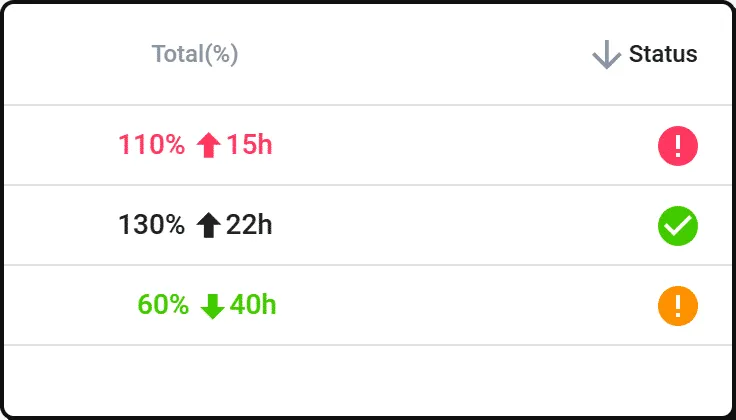
Workflows make tasks appear automatically.
Create a customized work plan for each client. Add instructions, passwords, and notes that simplify substitutions.
- Standardize processes with workflow and task templates
- Recurring tasks generated on the right day, for the right person
- A well-thought-out system increases efficiency across the firm
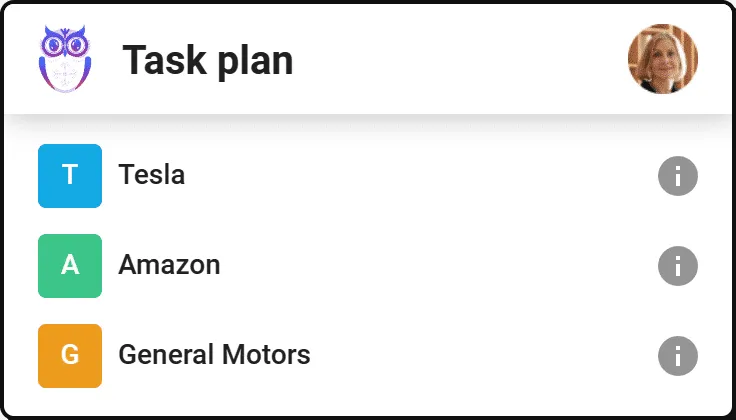
Accounting task management software features.
Time tracking
Track working time with the stopwatch or enter it manually. Enter time for multiple tasks at once.
Task templates and plans
Create workflow templates and standardize your processes. Use them as a basis for client task plans.
Subtask checklists
Add subtasks so all important activities are remembered and get done — step by step.
Attachments
Add work instructions, contracts, and notes to tasks to find the information you need faster.
Custom fields
Add information important to you. Track task statuses and client-specific data your way.
Dashboard and calendar
Find a way to work that suits you. Customize and save dashboard or calendar views with filters.
Assigning tasks
Assign tasks and clients to team members temporarily (vacation, sick leave) or permanently.
Extra work tracking
Mark a task as extra work with one click. See all non-recurring work and reflect it on invoices.
User roles
Each member sees exactly what they need. Regular members see their tasks; team leads see the full view.
Yes, Uku task management can do that.
Every task management question we hear from accounting firms — and the answer is always the same.
- Can I see all my tasks for today on one dashboard?
- Can I drag and drop tasks between days on the calendar?
- Can I set up recurring tasks with workflow templates?
- Can I assign tasks to team members in bulk?
- Can I add subtask checklists to break down complex work?
- Can I attach files like instructions and contracts to tasks?
- Can I mark extra work separately for billing?
- Can I temporarily reassign all tasks when someone is on vacation?
- Can I see a real-time overview of my team's workload?
- Can I get deadline reminders before tasks are overdue?
Task management questions.
How does Uku create daily task plans automatically?
Uku uses workflow templates with scheduled start dates and deadlines. When you set up a client workflow, tasks appear on the assigned accountant's dashboard and calendar on the right day — no manual scheduling needed.
Can I drag and drop tasks between days?
Yes. Both the dashboard and calendar views support drag-and-drop. Move tasks between days to rebalance workload instantly. Changes reflect for everyone who can see that task.
How do task reminders work?
Uku sends reminders before deadlines approach. Team leads see overdue tasks highlighted in real time. You can also set up email notifications for task assignments and status changes.
Can I assign tasks to multiple team members?
Each task has a primary assignee, but you can reassign tasks temporarily (for vacations or sick leave) or permanently. Bulk reassignment is also supported — move all of one person's tasks to another in seconds.
What are subtask checklists?
Subtasks are mini to-do items within a task. Add a checklist of steps that need to be completed — like 'Download bank statement', 'Reconcile transactions', 'Send report to client'. Each can be checked off independently.
How does Uku handle extra work or ad-hoc tasks?
Mark any task as 'extra work' with one click. This tags it separately so you can track all non-recurring work, include it in billing reports, and ensure nothing goes unbilled.
Can I customize the dashboard view?
Yes. Filter by team member, client, task type, status, or deadline. Save your preferred view as default. The calendar view offers the same filtering options with a visual daily/weekly/monthly layout.
Is task management included in all plans?
Task management is a core feature included in every Uku plan — Solo, Team, Elite, and Enterprise. Workflow automations for recurring task templates are included in all four plans, too.
Have a question? Contact us — real people answer.
Top-rated by accounting firms, consistently.





Explore the rest of Uku.
Deliver the work
Serve clients
Run a profitable firm
 QuickBooks
  Xero
Xero  Gmail
Gmail  Google Drive
  Dropbox
  Zapier
  Microsoft 365









Elevate your efficiency with the powerful yet easy-to-use accounting practice management software.
"Let's create a dream, where the team is happy, clients are well served and profits are fair." — Rain Allikvee, Co-founder of Uku