Team collaboration with painless replacements.
Vacations, sick days and departures: Uku keeps the full context in one place, so work never stalls.
- Reassign tasks in bulk — temporarily or permanently
- Comments and notifications right on the task
- Real-time overview of everyone's workload
4.8 from 300+ reviews · No credit card required
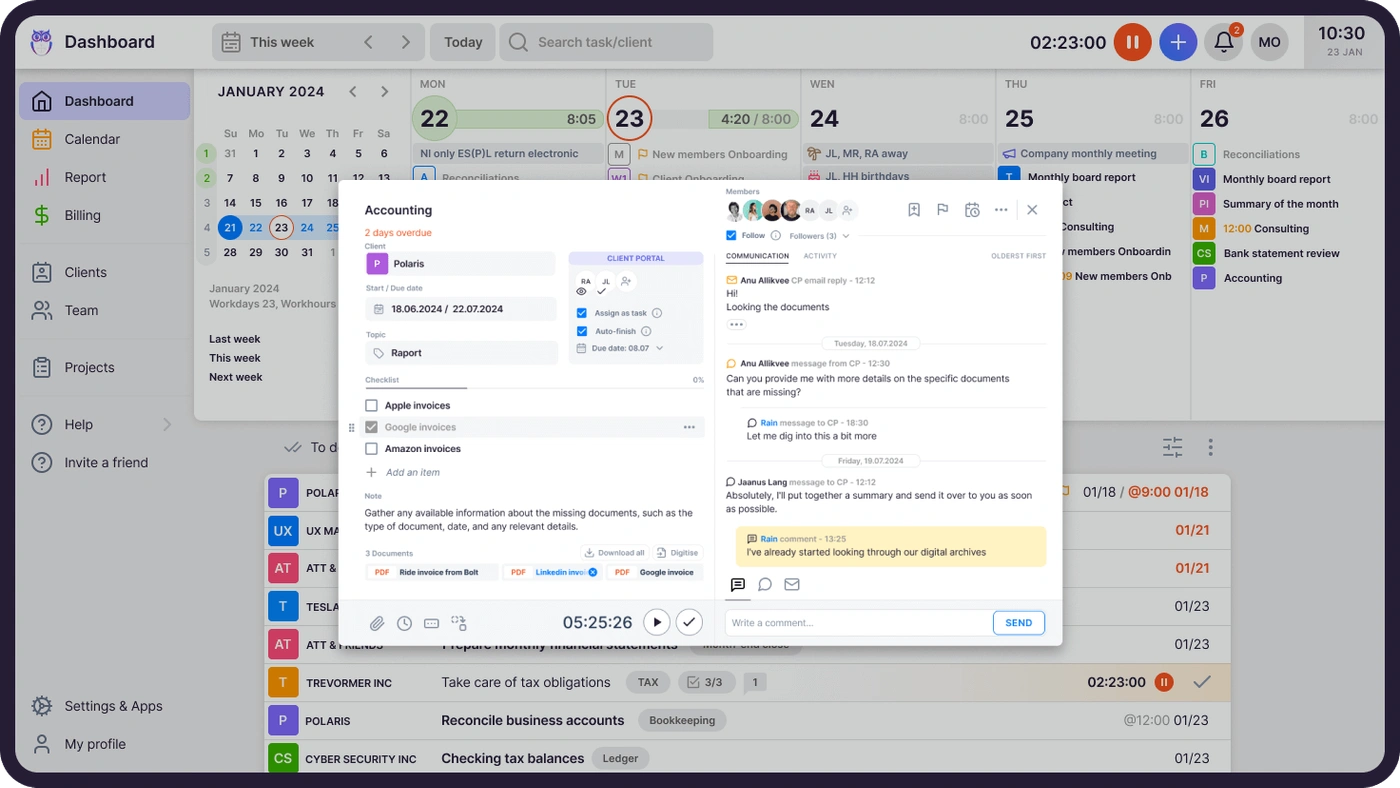
When a colleague goes on vacation, their replacement shouldn't need a week of handover. With tasks, instructions, and history in one place, cover starts in minutes.
Disruptions during substitutions
Reassign all of one person's tasks in seconds. The replacement sees instructions, notes, and history — clients notice nothing.
More clients served
Aaroni Accounting Services grew capacity 38% in a year with Uku — same team, smoother collaboration.
Workload visibility
Team leads see who is overloaded and who has room — and rebalance with drag-and-drop.
"1 year with Uku and we can serve 38% more clients. Couldn't imagine life without Uku."
Annika Lattik, Aaroni Accounting Services
Cover a colleague in minutes, not days.
Assign tasks and clients to team members temporarily (vacation, sick leave) or permanently — one by one or in bulk.
- Bulk reassignment of all tasks in seconds
- Client history, instructions, and passwords at hand
- Powered by the client profile
Talk where the work is.
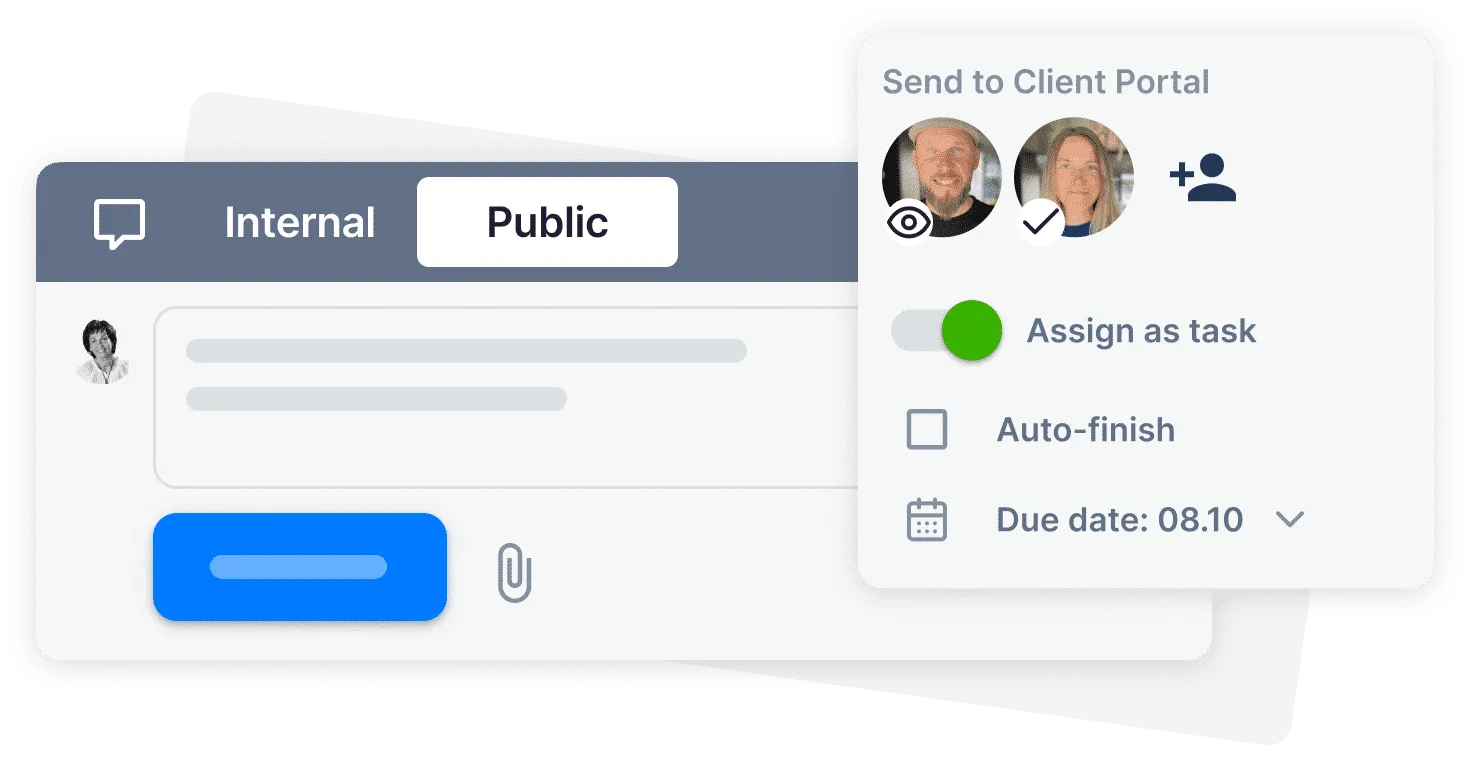
Comments and notifications live on the task. Questions get answered with the context already open — no chat archaeology.
- Comments , mentions, and notifications per task
- Attachments and manuals beside the work
- Fewer meetings , faster answers
See overload before burnout hits.
Real-time workload per team member. Rebalance in seconds when someone runs hot.
- Live view of every member's task load
- Drag-and-drop rebalancing between people and days
- Daily flow runs on Task Management
Someone's out. Nothing stops.
Reassign in bulk
Move all of one person's tasks and clients to a colleague in seconds — temporarily for a vacation, or permanently.
Full context, instantly
The replacement sees instructions, attachments, comments, notes, and the client's communication history — no inbox digging.
The client never notices
Deadlines hold, emails go out on schedule, and the work continues exactly where it left off.
Team collaboration features.
Bulk reassignment
Move all of one person's tasks to another in seconds — for a day or forever.
Comments and mentions
Discuss the task on the task. Notifications keep the right people in the loop.
Instructions attached
Manuals, passwords, and notes travel with the task to any substitute.
User rights
Everyone sees exactly what they need — supervisors see the team view.
Temporary assignments
Set an end date on a substitution and tasks return automatically.
Shared client context
One client profile for contacts, documents, and history — no tribal knowledge.
Yes, Uku team collaboration can do that.
Every team collaboration question we hear from accounting firms — and the answer is always the same.
- Can I reassign all of one person's tasks in seconds?
- Can substitutions be temporary — with tasks returning automatically?
- Can I comment on tasks and mention colleagues?
- Can instructions and passwords travel with the task?
- Can team leads see everyone's workload in real time?
- Can I rebalance work with drag-and-drop?
- Can user rights ensure everyone sees only what they need?
- Can a new hire onboard from the client profile alone?
Team collaboration questions.
How does Uku make substitutions painless?
All client information, instructions, and task history live in one place. Reassign one person's tasks in bulk — temporarily or permanently — and the replacement continues without disruption.
Can task reassignments be temporary?
Yes. Set an end date for vacation or sick-leave cover and the tasks return to their original owner automatically.
How does communication work inside Uku?
Comments, mentions, and notifications live on the task itself. Questions are answered with the context already open — far fewer status meetings and chat threads.
Can team leads see the whole team's workload?
Yes. A real-time overview shows every member's tasks and load. Leads spot overload early and rebalance with drag-and-drop.
How do user rights work?
Each member sees only the clients and information they need. Supervisors get the full team view — visibility without noise.
Is team collaboration included in all plans?
Collaboration features — assignments, comments, workload views — are core Uku functionality available in all plans.
Have a question? Contact us — real people answer.
Top-rated by accounting firms, consistently.






Explore the rest of Uku.
Deliver the work
Serve clients
Run a profitable firm
 QuickBooks
  Xero
Xero  Gmail
Gmail  Google Drive
  Dropbox
  Zapier
  Microsoft 365









Elevate your efficiency with the powerful yet easy-to-use accounting practice management software.
"Let's create a dream, where the team is happy, clients are well served and profits are fair." — Rain Allikvee, Co-founder of Uku