

Time Tracking for Accounting Firms
Your time is money. Where do you spend it?
- Accounting time and billing software
- Get paid for every billable minute
- Integrated with your accounting software
No credit card required.

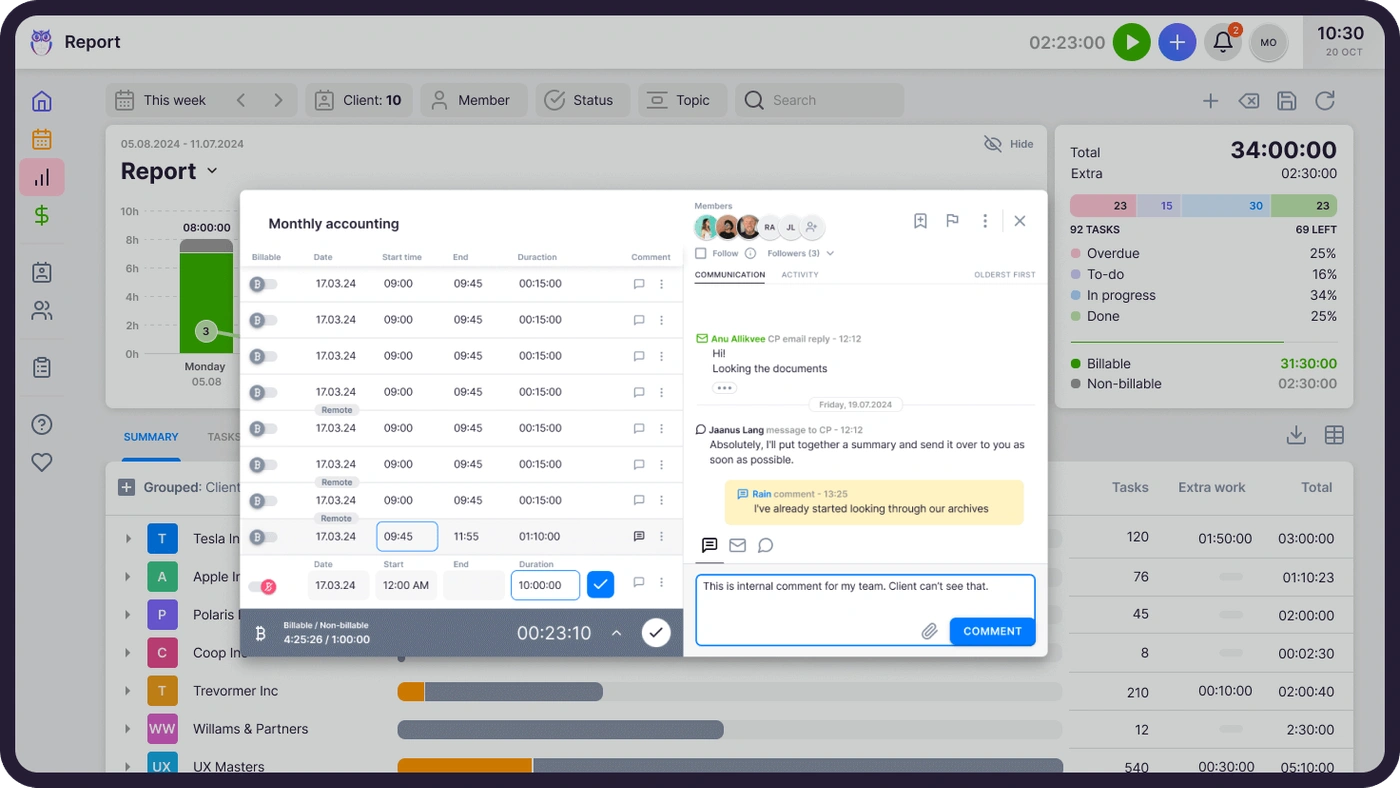
"Precise work tracking has enabled us to reevaluate our pricing model and make long-desired changes."
Why use a time management software for bookkeepers
Why should I use a time management software for accountants?
Easily map even the smallest work segments and keep your focus on the employee and company level.
Pick a suitable way to track your time
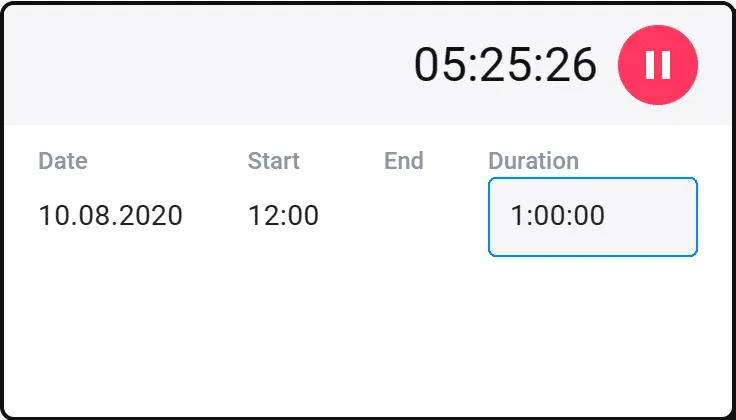
Uku's time tracking software offers many ways to track time. Measure time with a stopwatch, enter time entries manually, or add spent time to multiple tasks at once.
Tracking time helps analyze productivity across your entire team.
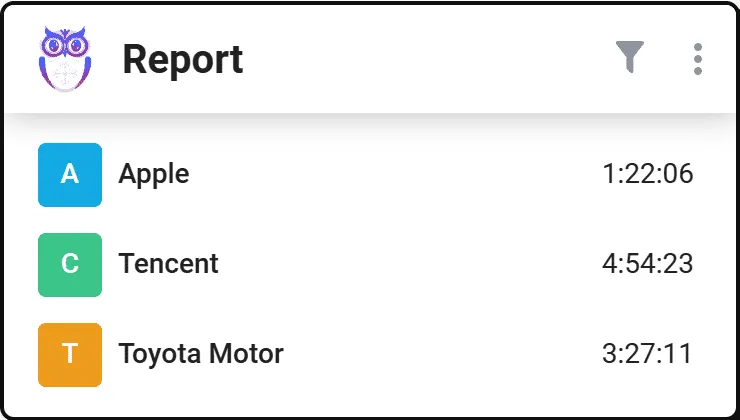
Pinpoint time-consuming clients
Find customers whose prices to adjust. Price services according to spent time and charge for the work you really did.
The report identifies unused opportunities — clients where you're spending more time than you're billing for.
Gain client trust with transparent time management
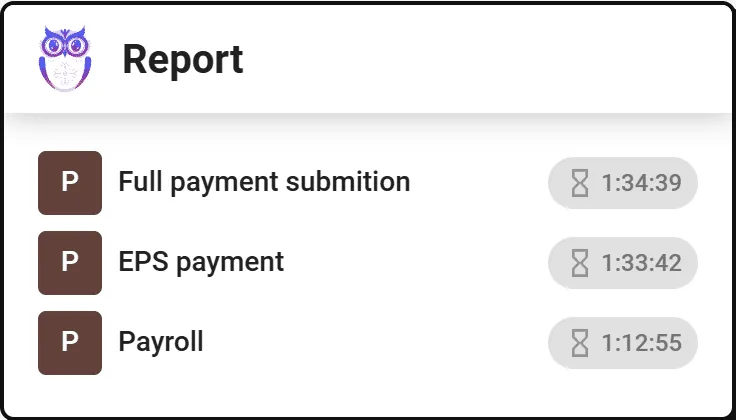
Display the time spent with the list of tasks completed for the client. Rely on solid numbers in price negotiations.
Export time data as PDF or CSV file to share directly with clients.
Automated billing saves 80% of your time
Time tracking makes accounting firm billing easier and faster.
Enter your bookkeeping service price list. Set up automatic invoicing for customers. Review invoices and send them to the customer or export to accounting software.
What time tracking delivers for accounting firms
80%
Less time on billing
Tracked time flows directly into automated invoicing. No more manual hour-counting at month end.
100%
Billable work captured
Stopwatch, manual entry, and bulk time entry ensure every minute is logged — even quick emails and phone calls.
0
Guesswork in pricing
Analytical reports show exactly how much time each client consumes. Adjust pricing based on real data, not assumptions.
Time tracking checklist
Yes, Uku time tracking can do that.
Every time tracking question we hear from accounting firms — and the answer is always the same.
- Can I track time with a stopwatch directly from my task? Yes!
- Can I enter time manually by adding duration or start/end times? Yes!
- Can I add time to multiple tasks at once with bulk entry? Yes!
- Can I automatically log forecasted time as actual time spent? Yes!
- Can I distinguish billable from non-billable hours? Yes!
- Can I mark extra work separately for accurate client billing? Yes!
- Can I set time forecasts to plan workload and capacity? Yes!
- Can I see analytical reports of time spent by client, task, and team member? Yes!
- Can I export time data as PDF or CSV to share with clients? Yes!
- Can I connect time tracking directly to automated billing? Yes!
Everything you need
Time Tracking Software for Accounting Features
Stopwatch
A stopwatch helps you start a new task immediately, and you can easily track even the most minor tasks.
Manual time entering
Add the full duration of a task or enter the start and end time under the task.
Bulk time entry
Bulk-select the tasks on your dashboard and add the time for them at once. Enter the same amount of time or divide the time equally between tasks.
Automatic time entries
When adding a forecast for the task you don't even have to add time entries. The forecast is automatically marked as the time spent on the task.
Time forecasting
Experienced bookkeepers know how much time a task takes. Give the task a time forecast that allows you to better plan your work time and workload.
Non-billable and billable time entries
Distinguish billable hours from non-billable tasks that you don't need to add to invoices.
Distinguish extra work
Get an accurate overview of additional tasks done for a client. Never underestimate the value of your time again.
Analytical time usage reports
A powerful report with filters gives you an overview of time spent on customers, tasks and employees.
Export time tracking data
Export the data as a file to show the client how you've spent time or request data through API.
FAQ
Questions about time tracking
Still have questions? Contact Us
Key Features of the Software for Accounting Firms
View all Uku's accounting practice management features
Client Management
Keep all important information in the client profile. Easily import and export all data to keep relevant information always available.
Explore more CurrentTime Tracking
Tracking time is addictively easy in Uku. Enter time manually or track with the timer and conveniently map even the smallest tasks.
Explore moreTeam Collaboration
Take the pain out of employee replacements. Assign tasks, add attachments or comments and keep relevant information in one place.
Explore moreWorkflow Automation
Standardize your accounting work with recurring task templates and dependencies. Uku sends tasks to the right person at the right time.
Explore moreTask Management
Tasks appear on the dashboard and calendar when it's time. The team lead gets a quick overview of whether work is on schedule.
Explore moreReporting & Analysis
Overview of time spent by customers, tasks and employees. Prevent bottlenecks, optimize processes and operate profitably.
Explore moreBilling
Speed up your invoicing by setting up automated billing with a fixed, hourly or service-based rate. Send invoices to clients and your accounting software.
Explore moreClient Budgeting
Agree on a budget with your client, and we'll help you keep track. Get notified before the budget's maxed out.
Explore moreAgreements Monitoring
Keep track of billable hours and operate profitably. React operatively to workload changes when workload exceeds agreements.
Explore moreWorkforce Management
All-in-one workforce management: centralize employee data, automate HR tasks, and streamline time tracking.
Explore moreDocument Management
Keep files organized, accessible, and secure with automated organization that puts every document exactly where it belongs.
Explore moreEmail Management
Transform emails into tasks instantly, automate recurring messages, and track follow-ups in one place.
Explore moreProject Management
Simplify onboarding for new clients and team members. Track project progress with a real-time overview.
Explore moreClient Portal
Elevate client communication, streamline document collection and digitisation with your beautifully branded, secure Client Portal.
Explore moreFlextime
Manage working hours, overtime, and vacations in one place. Real-time balance for every team member, exports to your accountant.
Explore moreTrusted by 1000+ accounting firms worldwide









Get started with Uku today.
Elevate your efficiency with Uku, the powerful yet easy-to-use accounting practice management software.
Try free for 14 days
“Let’s create a dream, where the team is happy, clients are well served and profits are fair.
Rain Allikvee / Uku’s co-founder