Client management for accounting firms, finally in one place.
Uku is the CRM your team already works in: every client's contacts, tasks, emails, notes and documents in one place, so service stays consistent whoever picks it up.
- Centralize client details, contacts, tasks, and documents in one profile
- Substitute colleagues easily with complete client history at hand
- Import your client base from Excel or your accounting software in minutes
4.8 from 300+ reviews · No credit card required
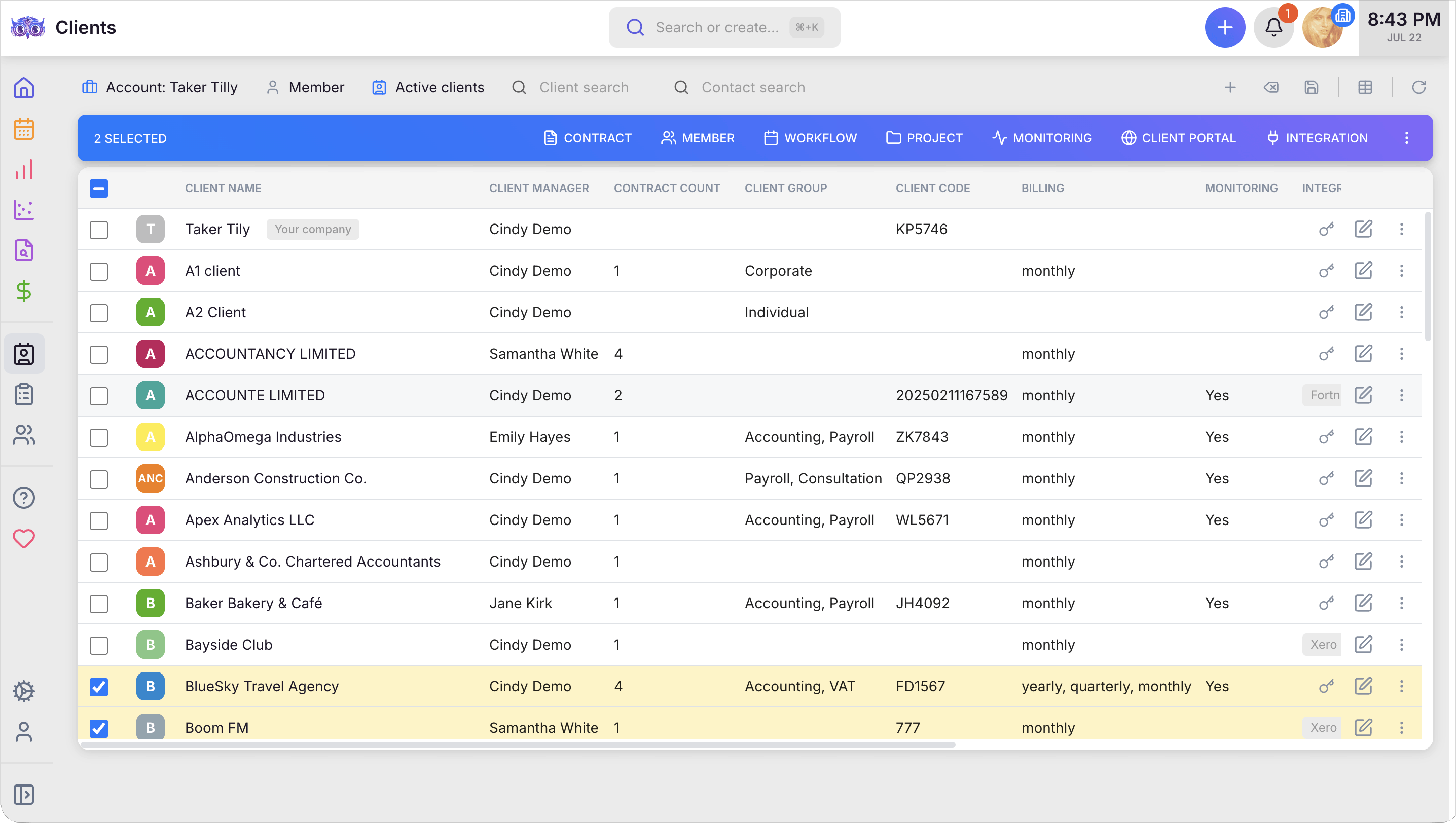
When client details, tasks, notes, and history all live in one profile, your firm runs on a single source of truth for who's doing what across the team — so a colleague on vacation never means a stalled client, and a substitution never means a scramble.
Client info in one place
Contacts, notes, documents, passwords, and access rights. No more scattered spreadsheets or searching through emails.
Disruptions during substitutions
When a team member is away, their replacement has immediate access to everything. Client service continues without a gap.
To import your full client base
Upload an Excel file or connect your accounting software. Uku adapts to your data and brings everything over automatically.
"Our core value propositions are cost-efficiency, reliability and transparency. Uku helps us deliver all that and more."
Kristupas Binkys, Baltic Assist
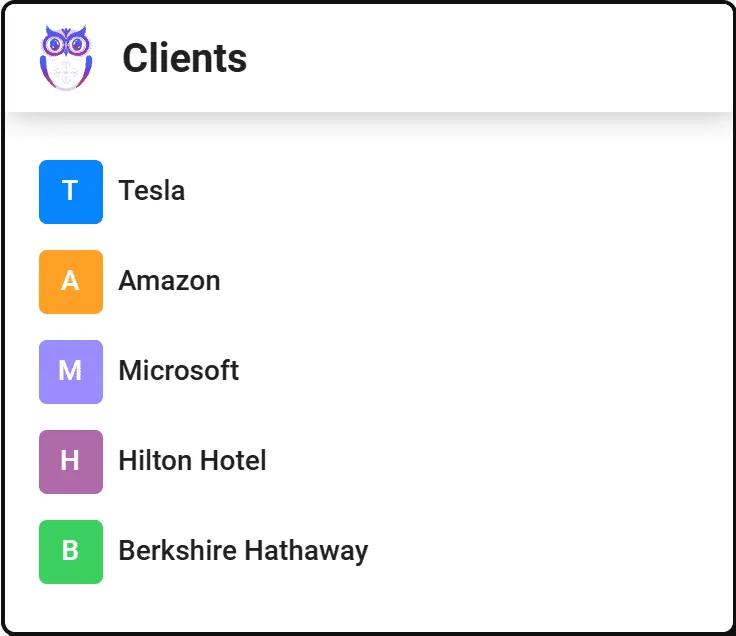
Centralized client information makes substituting colleagues easy.
The comprehensive client profile keeps every team member informed and ready for action.
- Contact details, notes, documents — primary and regular users
- Custom fields like bank access rights and public authority permissions
- All in one place, visible to exactly the right people
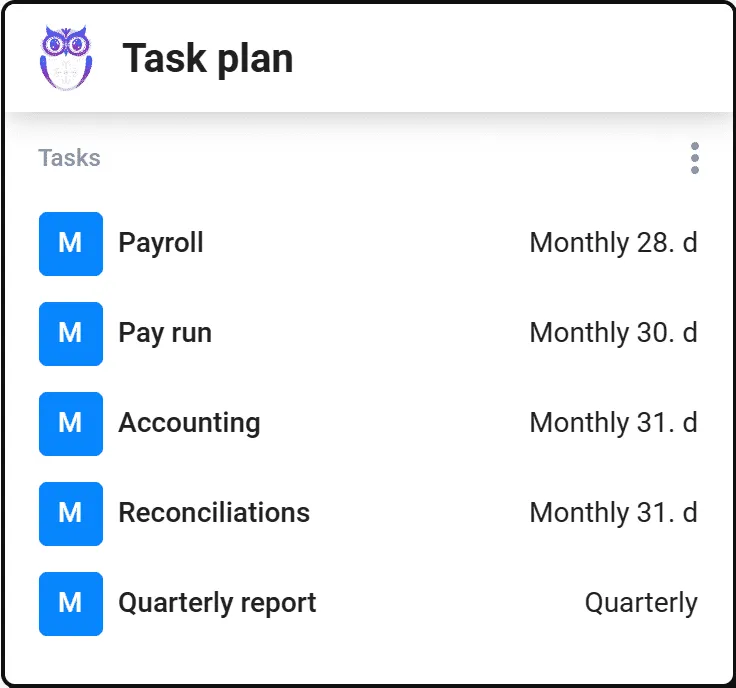
Quick overview of your clients' tasks.
See each client's complete work plan with task statuses, supervisors, and performers at a glance.
- Filters and search to quickly find any task
- Know exactly what is completed and what still needs attention
- Work plan templates — yours or Uku's
Quickly transfer data to your accounting software.
Import client information into Uku in two ways: an Excel spreadsheet (Uku adapts to your data) or directly from an integrated accounting software like QuickBooks.
- Excel import that adapts to your columns — not the other way around
- Direct import from QuickBooks, Xero, e-conomic and more
- Export client data with all assigned users and rights, any time

Accounting CRM software features.
Contacts
Enter all customer contact information in Uku so it's always at hand for every team member.
Notes and documents
Add all important information in one place, so replacements and employee changes go smoothly.
Custom fields
Add any information important to you. Track the client's accounting software, banks, and more.
Passwords and rights
A secure place for storing passwords. Track who has access rights to banks or public authorities.
Client work plans
Convenient overview of the client's tasks and their statuses. Use templates created by you or by Uku.
User rights
Every employee sees only the information they need. Supervisors get an overview of colleagues' tasks.
Import and export
Bring your entire customer base to Uku with all relevant information. Export with assigned users and rights.
Client agreements monitoring
Keep an eye on workloads and operate profitably. Uku notifies you when work exceeds the agreed amount.
Automated billing
Set up invoicing based on a fixed, hourly, or piece rate. Uku generates invoices automatically.
Yes, Uku client management can do that.
Every client management question we hear from accounting firms — and the answer is always the same.
- Can I store all client contacts, notes, and documents in one profile?
- Can I add custom fields to track accounting software, banks, and other details?
- Can I securely store passwords and track bank access rights?
- Can I see a complete task plan for each client with statuses and deadlines?
- Can I import clients from Excel or my accounting software?
- Can I export client data with assigned users and rights?
- Can I control user rights so each team member sees only what they need?
- Can Uku monitor client agreements and notify me when workload exceeds the budget?
- Can I set up automated billing based on fixed, hourly, or piece rates?
- Can I use work plan templates when creating task plans for clients?
Client management questions.
What client information can I store in Uku?
Contact details, notes, documents, passwords, bank access rights, public authority access, custom fields, primary and regular users, and any other information important to your firm. Everything is centralized in one client profile.
How do I import my existing client data into Uku?
Two ways: upload an Excel spreadsheet (Uku adapts to your data format), or import directly from an integrated accounting software like QuickBooks, Xero, or e-conomic. Your entire client base transfers with all relevant information.
Can I control what each team member sees?
Yes. User rights let every employee see only the information they need. Supervisors get an overview of their team's tasks and workload, while accountants see only their assigned clients.
How does Uku help with employee substitutions?
All client information, notes, documents, and task history are centralized in one profile. When a team member is on vacation or leaves, their replacement has immediate access to everything they need to continue without disruption.
Can I track client agreements and workloads?
Yes. Uku monitors client agreements and notifies you when work done exceeds the agreed amount. This helps you react in time, adjust pricing, and operate profitably.
Does Uku integrate with my accounting software?
Uku integrates with QuickBooks, Xero, e-conomic, Tripletex, Fortnox, and more. Import client data, sync information, and export invoices back to your accounting software seamlessly.
Have a question? Contact us — real people answer.
Top-rated by accounting firms, consistently.







Explore the rest of Uku.
Deliver the work
Serve clients
Run a profitable firm
 QuickBooks
  Xero
Xero  Gmail
Gmail  Google Drive
  Dropbox
  Zapier
  Microsoft 365









Elevate your efficiency with the powerful yet easy-to-use accounting practice management software.
"Let's create a dream, where the team is happy, clients are well served and profits are fair." — Rain Allikvee, Co-founder of Uku